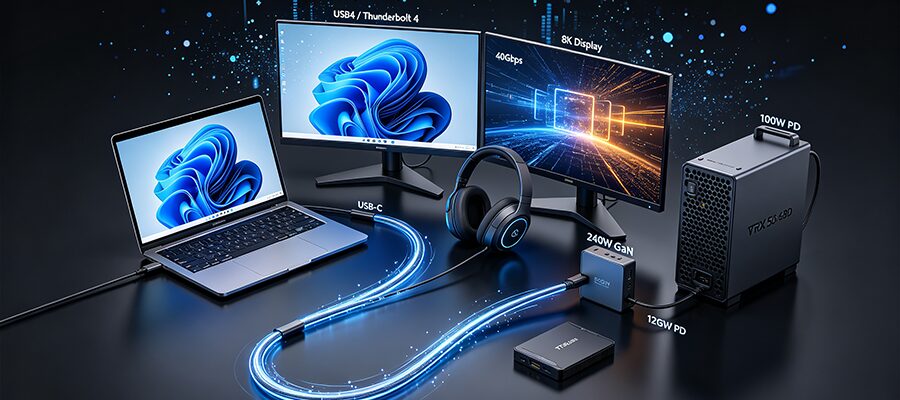
It’s 2026: The EU’s universal USB-C mandate covers every new phone, laptop, AR headset, and portable console, but most people still use the wrong cable. If you’ve grabbed a 3-year-old Thunderbolt 4 cable from your drawer to hook your 15th-gen Core gaming laptop to a Vision Pro 2, you’ve already dealt with choppy PCVR streams, half-speed SSD transfers, or that infuriating “insufficient power” pop-up when trying to fast-charge your 240W laptop.
Genuine USB4/Thunderbolt full-featured cables are the fix — but specs, scams, and use cases have changed drastically since 2024. We cut through the marketing fluff to help you pick the right cable on the first try.
2026 Cable Specs, No Jargon
All USB-C cables look identical, but performance varies by 250x between cheap charge cords and top-tier full-featured models. Use this table to skip the confusion:
| Cable Category (2026 Market) | Max Bidirectional Speed | Top Video Support | Max Charging | Best For |
|---|---|---|---|---|
| Basic USB 2.0 charge cord (free with earbuds/phones) | 480Mbps (0.048Gbps) | No video | 15–60W | Charging low-power accessories |
| USB 3.2 Gen 2 mid-tier cable | 10Gbps | Single 4K@60Hz | 100W | Basic office monitors, small file transfers |
| Entry Full-Featured: USB4 / Thunderbolt 4 (40Gbps) | 40Gbps | Single 8K@60Hz / Dual 4K@60Hz | 100–240W | Pre-2024 laptops, dual-4K office docks, budget setups |
| Mid-Tier Full-Featured: USB4 v2.0 (80Gbps) | 80Gbps | Dual 8K@60Hz / Single 16K@30Hz | 240W | 12GB/s portable SSDs, single 8K creator monitors, non-Thunderbolt PCs |
| Flagship Full-Featured: Thunderbolt 5 Certified | 80Gbps (120Gbps bandwidth boost for video/storage) | Dual 8K@120Hz / Single 16K@60Hz | 240W | Vision Pro 2/Quest 4 uncompressed PCVR, RTX 50/RDNA 5 eGPUs, flagship workstations |
Which Full-Featured Cable Do You Actually Need?
Wrap Up