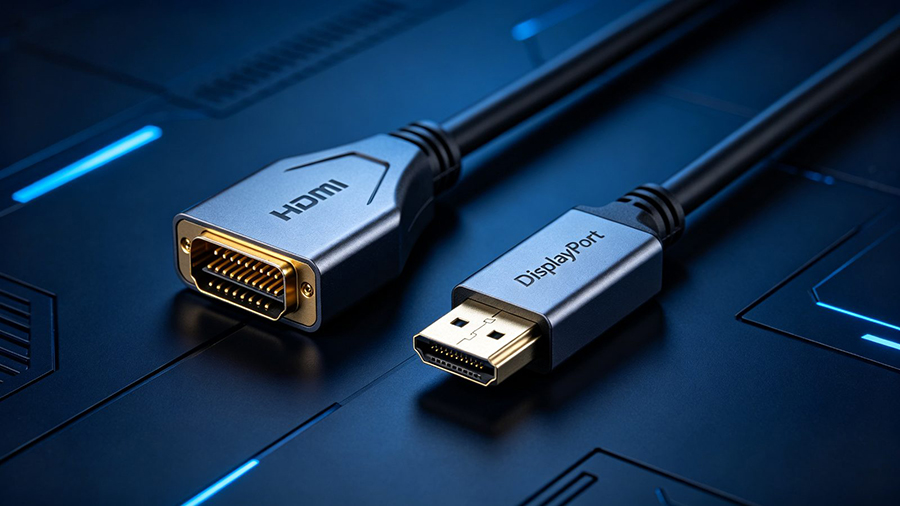
HDMI vs DisplayPort is one of the most common questions we get from customers choosing cables for their monitor, TV or gaming setup. Both standards carry crisp digital audio and video, but they were designed for different worlds — and that changes which one is right for votre screen, refresh rate and wallet. In this guide we compare bandwidth, resolution, refresh rate, gaming features and audio across the latest HDMI 2.1, HDMI 2.2, DisplayPort 1.4 et DisplayPort 2.1 standards, and give you a simple rule to pick the right Câble HDMI ou Câble DisplayPort every time.
What Are HDMI and DisplayPort?
HDMI (High-Definition Multimedia Interface) was introduced in 2002 by a group of major consumer-electronics brands as a single cable that carries digital video and multi-channel audio. It became the universal standard for TVs, gaming consoles, streaming boxes, soundbars and projectors. Every Câble HDMI you buy plugs straight into the devices you already own.
DisplayPort was created by VESA in 2006 as a PC-first standard, designed from the ground up for computers, monitors and graphics cards. It uses a packet-based architecture that scales bandwidth more easily, and it ships with PC-centric features such as MST (Multi-Stream Transport) for daisy-chaining multiple monitors and native adaptive sync support.
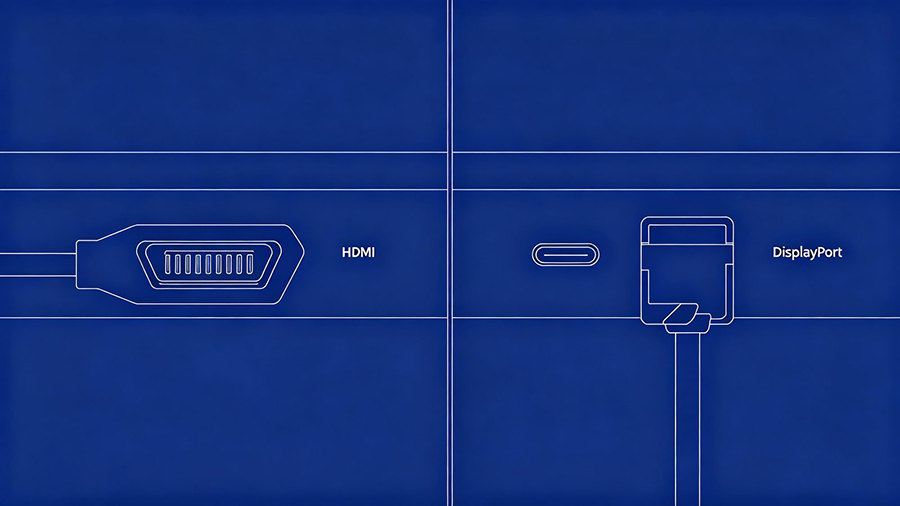
HDMI vs DisplayPort: Key Differences at a Glance
| Fonctionnalité | HDMI | DisplayPort |
|---|---|---|
| Introduced | 2002 | 2006 |
| Developed by | HDMI Forum (consumer brands) | VESA (PC industry) |
| Max bandwidth (latest) | 96 Gbps (HDMI 2.2) | 80 Gbps (DP 2.1, UHBR20) |
| Meilleur pour | TVs, consoles, home theater, projectors | PC monitors, gaming, professional displays |
| Multi-monitor daisy-chain (MST) | Non | Oui |
| Adaptive sync | VRR (HDMI 2.1+) | Native (FreeSync / G-Sync) |
| Audio return channel | Yes (ARC / eARC) | Non |
| CEC device control | Oui | Non |
| Typical cable length (passive) | Up to ~7 m (longer with optical) | ~2–3 m (longer with active / fiber) |
| Gaming console support | Yes (PS5, Xbox, Switch) | Non |
| USB-C output | Via adapter | DisplayPort Alt Mode (native) |
Bandwidth — the size of the pipe
Bandwidth determines how much data can flow to your display, and therefore which resolutions and refresh rates are possible. DisplayPort 2.1 tops out at 80 Gbps using UHBR20 links (about 77 Gbps of real payload), while HDMI 2.1 livre 48 Gbps. The brand-new HDMI 2.2 standard goes further at up to 96 Gbps with its new Ultra96 certified cables. In plain terms: bigger bandwidth means more uncompressed pixels per second — the difference between 4K at 120 Hz and 4K at 240 Hz without compression.
Resolution and refresh rate
This is where most gamers feel the difference. DisplayPort 2.1 can carry 4K at 240 Hz ou 8K at 120 Hz without compression, and even supports up to 16K at 60 Hz. HDMI 2.1 comfortably handles 4K at 120 Hz et 8K at 60 Hz, reaching 4K 240 Hz with DSC compression. On 1440p et 1080p monitors running 165–360 Hz, both interfaces work well — the deciding factor is usually which port your monitor actually has.
Full Spec Table: HDMI vs DisplayPort by Version
| Standard | Largeur de bande maximale | 4K Max | 8K Max | DSC | Notes |
|---|---|---|---|---|---|
| HDMI 1.4 | 10,2 Gbps | 4K @ 30 Hz | - | Non | Legacy, still common in old devices |
| HDMI 2.0 | 18 Gbps | 4K @ 60 Hz | - | Non | Mainstream 4K cable for years |
| HDMI 2.1 | 48 Gbps | 4K @ 120 Hz (240 Hz w/ DSC) | 8K @ 60 Hz (120 Hz w/ DSC) | Oui | VRR, ALLM, eARC — console standard |
| HDMI 2.2 | 96 Gbps | 4K @ 480 Hz | 8K @ 240 Hz | Oui | Newest (2025); Ultra96 cable; dynamic HDR; LIP |
| DisplayPort 1.2 | 21.6 Gbps | 4K @ 60 Hz | - | Non | Still on many budget monitors |
| DisplayPort 1.4 | 32.4 Gbps | 4K @ 120 Hz (240 Hz w/ DSC) | 8K @ 60 Hz w/ DSC | Oui | Current workhorse for PC gaming |
| DisplayPort 2.1 | 80 Gbps | 4K @ 240 Hz (480 Hz theoretical) | 8K @ 120 Hz (uncompressed) | Oui | UHBR10/13.5/20; MST; 16K @ 60 Hz |
HDMI vs DisplayPort for Gaming
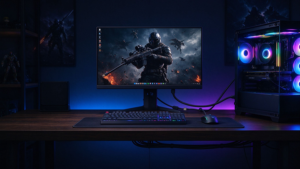
If you are a PC gamer, DisplayPort is usually the better choice. It natively supports adaptive sync — the technology behind both AMD FreeSync et NVIDIA G-Sync — which eliminates screen tearing and stutter at high refresh rates. Its higher bandwidth means a 4K 144Hz ou 4K 240Hz gaming monitor can run at full speed with zero compression on DisplayPort 2.1.
HDMI 2.1 is a strong contender too, adding VRR (Variable Refresh Rate) and ALLM (Auto Low Latency Mode) — features designed for console gaming on modern TVs. For PS5 et Xbox Series X players, HDMI 2.1 is the only real option, delivering 4K at 120 Hz plus HDR and quick response.
HDMI vs DisplayPort for Home Theater, Consoles and TV
HDMI is the undisputed king of the living room. It is the only interface found on smart TVs, soundbars, projectors, streaming boxes and every major gaming console. Its home-cinema superpowers include eARC (Enhanced Audio Return Channel), which sends high-quality audio like Dolby Atmos et DTS:X back from your TV to an AV receiver over one cable, plus CEC so a single remote controls everything.
DisplayPort can transmit audio to a monitor, but it has no return channel, no CEC, and you will not find it on TVs or consoles. If your signal chain involves any of those devices, HDMI is simply the practical answer.
Multi-Monitor Setups and MST
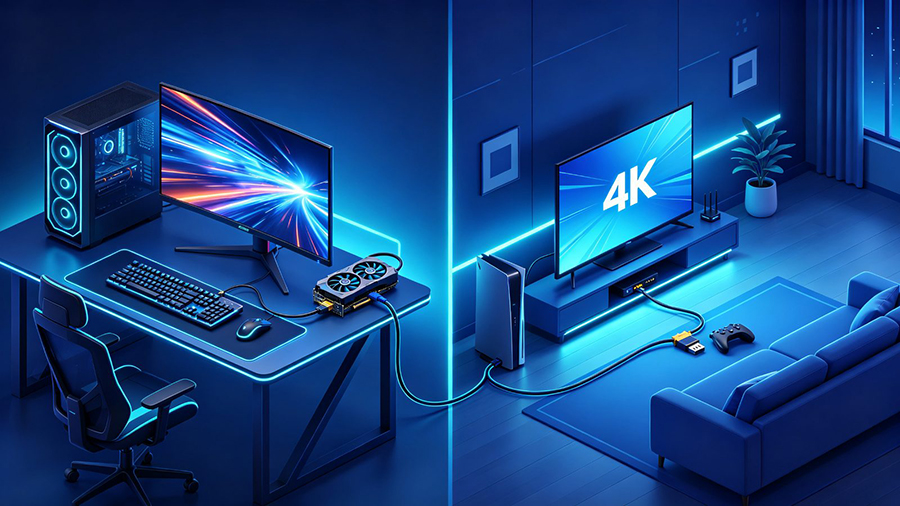
Running two or three monitors? DisplayPort has a unique advantage: MST (Multi-Stream Transport) lets you daisy-chain monitors — connect a second screen to the first, all from a single DisplayPort output. HDMI does not support daisy-chaining, so each HDMI monitor needs its own port or an HDMI splitter. For triple-screen productivity or flight-simulator rigs, DisplayPort is the cleanest wiring solution.
Cable Types, Lengths and Compatibility
- Câbles HDMI are generally more forgiving at longer lengths — passive copper cables work well up to about 7 meters, and câbles HDMI à fibres optiques push that to dozens of meters for home theater runs.
- DisplayPort cables are typically rated for 2–3 meters passively; beyond that you need active ou fiber optic DisplayPort cables to keep the signal clean.
- HDMI ↔ DisplayPort are not electrically interchangeable: you need an active adapter (often USB-powered) to convert between them. Passive cables will not work for most directions.
- USB-C with DisplayPort Alt Mode lets modern laptops and tablets output video to a monitor over a single slim cable — ideal for docking stations and on-the-go display setups.
- Always match the cable version to your device: a certified Câble HDMI 2.1 ou DisplayPort 2.1 cable guarantees the advertised bandwidth, HDR and refresh rates.
HDMI vs DisplayPort — FAQ
Is DisplayPort better than HDMI?
Pour PC gaming and multi-monitor setups, yes — DisplayPort offers higher bandwidth (up to 80 Gbps on DP 2.1), native adaptive sync and MST daisy-chaining. For TVs, consoles and home theater, HDMI is the better and far more compatible choice.
Which is better for 4K 144Hz or 240Hz gaming — HDMI or DisplayPort?
Use DisplayPort 1.4 or 2.1 if your monitor and GPU support it. DP 2.1 carries 4K 240Hz uncompressed, while HDMI 2.1 supports 4K 120Hz natively and up to 240Hz with DSC.
Can I plug an HDMI cable into a DisplayPort?
Not directly — the two standards use different signaling. You need an active HDMI-to-DisplayPort (or reverse) adapter, which often requires external power. Passive cables will not work.
What is the difference between HDMI 2.2 and DisplayPort 2.1?
HDMI 2.2 reaches up to 96 Gbps and targets TVs, consoles and home theater, with advanced audio like eARC and dynamic HDR. DisplayPort 2.1 reaches 80 Gbps and targets PCs, gaming monitors and professional displays, with MST and uncompressed 8K 120Hz support.