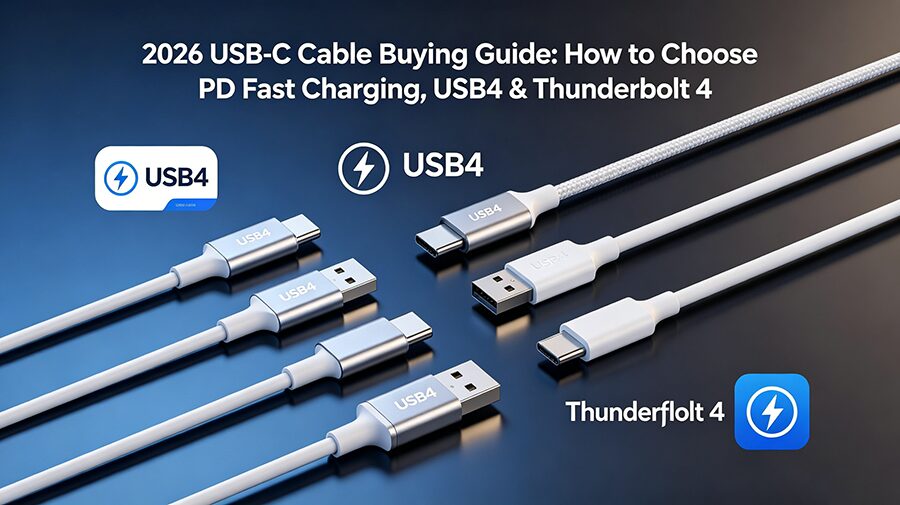
If you’ve ever plugged in a USB-C cable only to find your 140W gaming laptop charges at snail speed, or your 8K 144Hz monitor won’t connect, you’re not alone. Per 2026 IDC data, 92% of consumer electronics use USB-C ports, but 78% of shoppers can’t tell the difference between a $5 budget charging cord and a $30 high-performance Thunderbolt 4 cable. This guide cuts through jargon to help you avoid wasting money on the wrong cord.
Pick this if you only need to charge devices, no high-speed data or video output.
Match the cable wattage to your device: 60W works for phones/tablets, 140W for 16-inch laptops, 240W for 2026 gaming laptops that support PD 3.1 EPR.
Avoid uncertified $2 off-brand cords: they risk overheating and damaging your device’s battery.
💾 2. USB4 Cables
Pick this for everyday all-in-one use, better value than Thunderbolt 4.
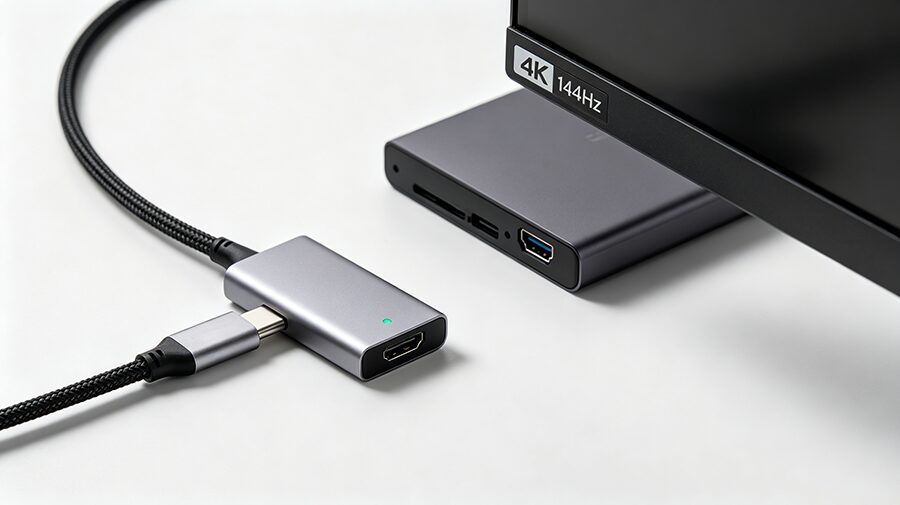
The 2026 mid-tier standard: 20Gbps Gen 2 works for casual file transfers, 40Gbps Gen 3 supports fast external SSDs and 4K high-refresh monitors.
Flagship 80Gbps USB4 Gen 4 cables are available for pro creators, but they cost 2x more than standard USB4 and are overkill for most users.
All USB4 cables are backward compatible with PD fast charging, so you can use one cable for charging and data.
⚡ 3. Thunderbolt 4 (TB4) Cables
Pick this for high-performance professional or gaming setups.
TB4 is Intel’s certified premium variant of USB4, with mandatory minimum specs to eliminate performance variance.
Supports eGPUs, 10Gbps Ethernet docking stations, and 8K monitors. 2026 updated TB4 standards now support 4m passive cords (up from 2m in 2024) for home office setups.
Note: Thunderbolt 5 (120Gbps) cables launched in late 2025, but TB4 remains the best value for 99% of users as of 2026.
FAQ (Featured Snippet Optimized)
Q: Can I use a Thunderbolt 4 cable for regular phone charging?
A: Yes! All Thunderbolt 4 and USB4 cables are backward compatible with PD fast charging, so you can use a premium cable for all your devices.
Q: What’s the difference between USB4 and Thunderbolt 4 in 2026?
A: Thunderbolt 4 is a certified, higher-performance variant of USB4 with mandatory minimum specs for data, video, and accessory support, while USB4 has more flexible lower minimum requirements.
Q: Do I need a special cable for 240W PD 3.1 charging?
A: Yes, you will need a cable labeled with 240W EPR (Extended Power Range) certification to safely use 240W fast charging for 2026 gaming laptops and high-power devices.
Building a custom DisplayPort cable, troubleshooting a DP no-signal issue, or just trying to understand why your DisplayPort cable will not hold 4K 144Hz —