The Right Cable Is the Difference Between 60fps and 120fps
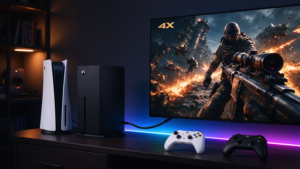
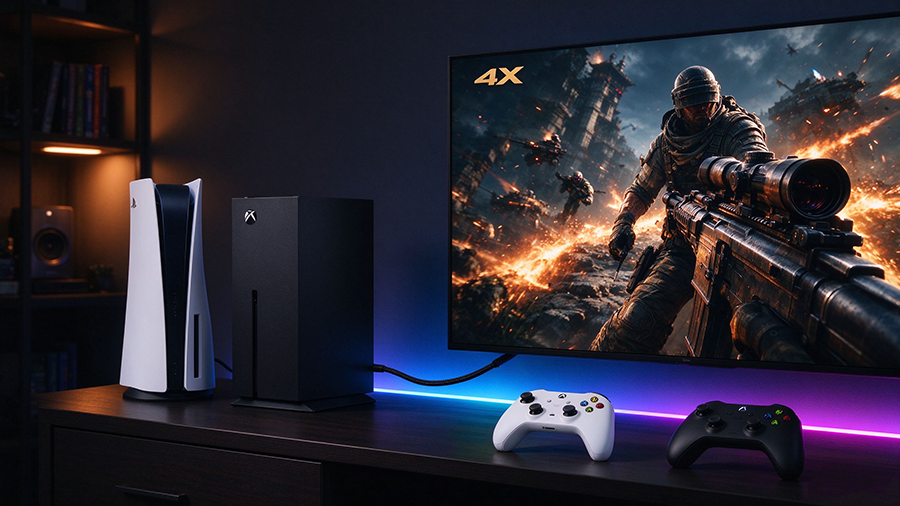
You unboxed your PS5 o Xbox Series X / Series S, plugged it into your TV, and booted a next-gen game like Spider-Man 2, Baldur’s Gate 3 o Halo Infinite. But despite the marketing, the game is running at 60fps, not 120fps, and you don’t see the smooth, tear-free picture you expected.
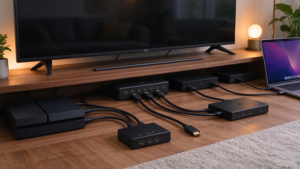
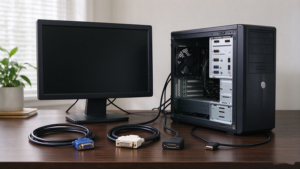
Nine times out of ten, the console isn’t broken — the Cable HDMI or the TV port is the bottleneck. Both Sony and Microsoft ship an Cable HDMI 2.1 in the box, but if that cable was damaged, too long, replaced with an old HDMI 2.0 cable, or plugged into the wrong TV input, your PS5 and Xbox will silently cap themselves at 4K@60Hz.
This guide explains what HDMI cable you actually need for PS5 and Xbox Series X, which resolutions and refresh rates each console supports, how to confirm your TV and cable are ready for 4K@120Hz, 8K@60Hz, VRR and ALLM, and how to fix the most common “stuck at 60Hz” problems.
What Video Specs Do PS5 and Xbox Series X Actually Support?
|
Característica
|
PS5
|
Xbox Series X
|
Xbox Series S
|
|
Max resolution
|
Up to 8K@60 (limited titles)
|
Up to 8K@60 (limited)
|
Up to 1440p
|
|
4K@120Hz
|
✅ Yes
|
✅ Yes
|
❌ (1440p up to 120Hz)
|
|
4K@60Hz
|
✅
|
✅
|
✅
|
|
1440p@120Hz
|
✅
|
✅
|
✅ (native)
|
|
1080p@120Hz
|
✅
|
✅
|
✅
|
|
Versión HDMI
|
HDMI 2.1 (48Gbps)
|
HDMI 2.1 (48Gbps)
|
HDMI 2.1 (but lower output)
|
|
VRR (frecuencia de actualización variable)
|
✅
|
✅
|
✅
|
|
ALLM (Modo automático de baja latencia)
|
✅
|
✅
|
✅
|
|
HDR / Dolby Vision
|
HDR10 (no Dolby Vision)
|
HDR10 + Dolby Vision
|
HDR10
|
|
Ray tracing upscaling
|
✅
|
✅
|
❌ (weaker GPU)
|
The Cable in the Box vs an Upgrade: Do You Need to Buy One?
|
Situation
|
Use the included cable?
|
Upgrade recommendation
|
|
PS5 / Xbox Series X new out of box
|
✅ Yes, it’s HDMI 2.1 48Gbps
|
Keep it
|
|
Included cable too short (TV is 2m+ away)
|
❌
|
Buy certified Ultra High Speed HDMI 2.1 in 2m / 3m
|
|
Lost or damaged the original cable
|
❌
|
Replace with certified 48Gbps HDMI 2.1
|
|
Replaced with old HDMI 2.0 cable from old Blu-ray
|
❌
|
Old cable caps at 4K@60Hz; upgrade
|
|
Long in-wall run (5m+) from rack to TV
|
❌
|
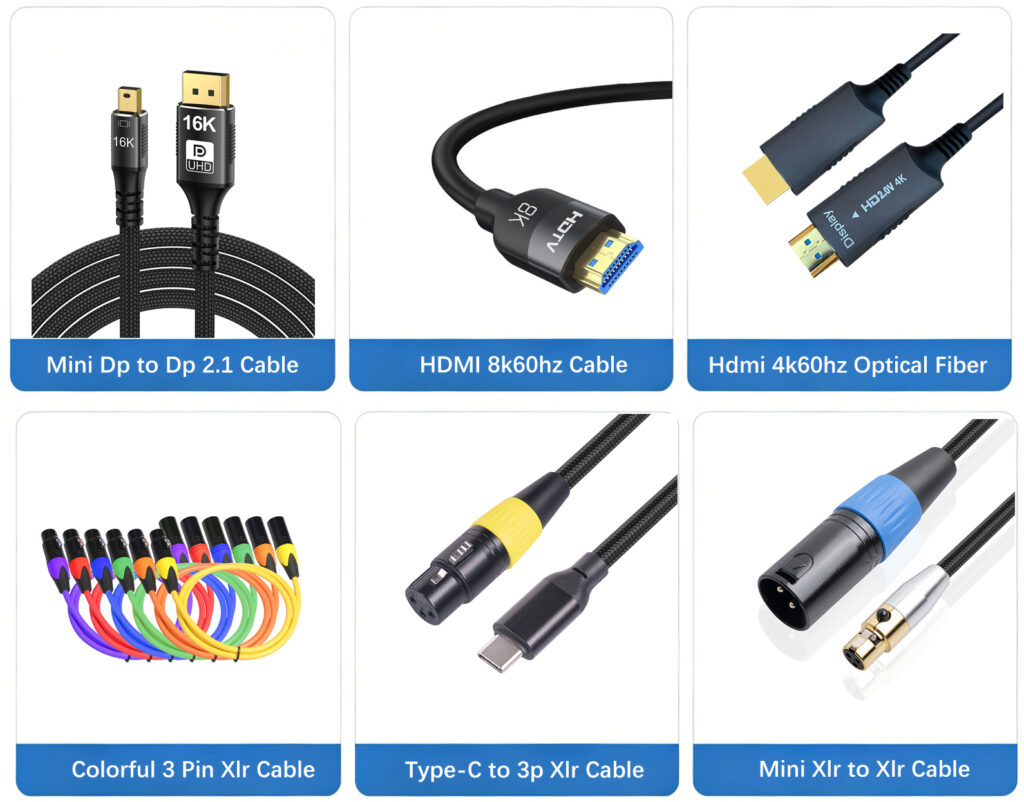
Use fiber optic AOC HDMI 2.1 for stable 4K@120
|
|
Want best build quality / braided jacket
|
Opcional
|
Braided, gold-plated Ultra High Speed cable
|
Specs Your PS5 / Xbox HDMI Cable Must Meet
|
Espec
|
Minimum
|
Recommended
|
Why
|
|
Versión HDMI
|
HDMI 2.1
|
HDMI 2.1
|
Required for 4K@120 / 8K@60
|
|
Ancho de banda
|
48 Gbps
|
48Gbps (Ultra High Speed)
|
18Gbps HDMI 2.0 = 4K@60 only
|
|
Certificación
|
Alta velocidad Premium
|
Ultra High Speed certified
|
Genuine 48Gbps test certificate
|
|
Length for 4K@120
|
Up to 2–3m copper
|
Up to 5m certified copper / fiber AOC beyond
|
Copper signal degrades at 4K@120 over distance
|
|
VRR / ALLM support
|
✅
|
✅
|
Same HDMI 2.1 spec; cable must not drop these features
|
|
HDCP 2.3
|
✅
|
✅
|
Required for streaming apps and 4K Blu-ray
|
|
Build quality
|
Basic
|
Braided, gold-plated connectors
|
Durability, repeated plugging
|
Why Your PS5 / Xbox Is Stuck at 60Hz (and How to Fix It)
|
Problema
|
Likely Cause
|
Fijar
|
|
PS5 / Xbox outputs 4K@60, not 120
|
Cable is HDMI 2.0 (18Gbps)
|
Replace with Ultra High Speed 48Gbps HDMI 2.1
|
|
4K@120 available on PC but not console
|
TV’s HDMI port is not 2.1 / not 120Hz
|
Plug into the TV’s HDMI 2.1 / 120Hz-labeled port
|
|
Flicker or black screen at 120Hz
|
Cheap uncertified cable
|
Use certified Ultra High Speed cable
|
|
VRR option greyed out
|
TV doesn’t support VRR over that port
|
Enable VRR in TV menu; use HDMI 2.1 port
|
|
Game runs at 60fps despite 120Hz support
|
Game / performance mode setting
|
Enable Performance Mode / 120Hz Mode in game settings
|
|
Long cable (5m+) drops 4K@120
|
Copper signal loss
|
Switch to fiber optic AOC HDMI 2.1
|
|
Dolby Vision on Xbox looks wrong
|
HDMI 2.1 bandwidth limitation
|
Check cable is 48Gbps; use correct TV port
|
PREGUNTAS FRECUENTES
Q: What HDMI cable does the PS5 come with?
The PS5 includes a HDMI 2.1 (Ultra High Speed, 48Gbps) cable out of the box, capable of 4K@120Hz and 8K@60Hz. Use it unless you need a longer or premium braided cable.
Q: Do I need a special HDMI cable for Xbox Series X 4K@120Hz?
Yes. You need a 48Gbps Ultra High Speed HDMI 2.1 cable. The included cable works; if you replace it, make sure the new cable is certified for Ultra High Speed bandwidth.
Q: Why is my PS5 not running at 120Hz?
Three common causes: (1) you’re using an old HDMI 2.0 cable; (2) you’re plugged into a TV port that doesn’t support 4K@120Hz; (3) the game itself hasn’t got Performance / 120Hz mode enabled. Check all three.
Q: Is 8K@60Hz on PS5 worth it?
Few games render natively at 8K, and 8K TVs are still rare. Most gamers get more benefit from 4K@120Hz with VRR than 8K. Choose a 48Gbps HDMI 2.1 cable that supports both.
Q: How long can a PS5 / Xbox HDMI cable be?
Copper certified cables work reliably up to 2–3m at 4K@120Hz. For longer in-wall or projector runs, use a fiber optic AOC HDMI 2.1 cable for stable 15m, 20m or 30m.
Q: Does Xbox Series S need a 4K@120 HDMI 2.1 cable?
Xbox Series S outputs up to 1440p@120Hz. It works with a 48Gbps HDMI 2.1 cable; an 18Gbps HDMI 2.0 cable can also handle its lower bandwidth, but Ultra High Speed is recommended for future-proofing.