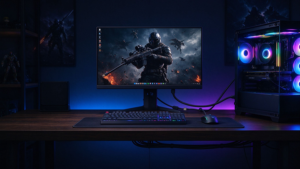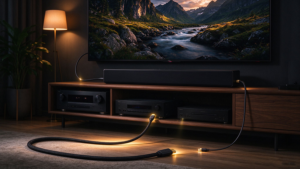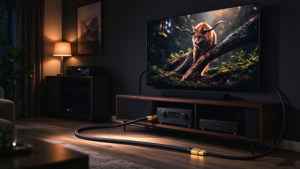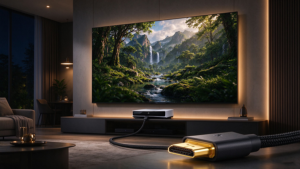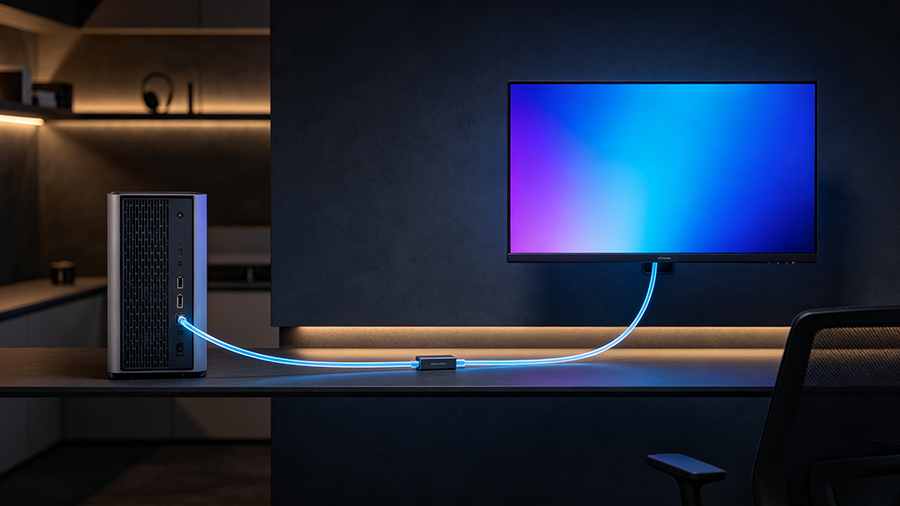
Your PC sits under the desk, but the 8K monitor is mounted on the far wall. The projector is in the ceiling, the equipment rack is across the room, and the video wall runs the length of a lobby. A normal copper Cable DisplayPort will not survive that trip — but a fiber optic DisplayPort cable will, at full 4K 144Hz o 8K 60Hz, with zero signal loss.
Fiber optic DisplayPort cables — also called optical DisplayPort cables o DisplayPort AOC (Active Optical Cable) — are the professional’s answer to the question “how long can a DisplayPort cable be?” This guide explains how they work, how far they reach, why they are directional, and exactly when a displayport cable long distance run should be fiber instead of copper.
What Is a Fiber Optic DisplayPort Cable (AOC)?
A fiber optic DisplayPort cable is an active optical cable (AOC): the DisplayPort electrical signal is converted into pulses of light at the source connector, travels over ultra-thin optical fibers, and is converted back into an electrical signal at the display connector. The transceivers (VCSEL lasers and photo diodes) live inside the connector housings, which is why AOC cables look like normal cables but behave like tiny transmitters and receivers.
Most fiber DP cables use a hybrid construction: optical fibers carry the high-bandwidth video and audio, while a few copper wires carry power and low-speed signals (EDID, HDCP, HPD). That design powers the connectors straight from the DisplayPort port — no external power supply or drivers needed, just plug and play.
Why Copper Fails: DisplayPort Cable Length Limits
Cobre DisplayPort cables have hard physical limits. High-bandwidth signals weaken over distance due to resistance, attenuation and electromagnetic interference — and because DisplayPort is digital, a run that is too long does not get “softer,” it flickers, sparkles, or drops to black.
| Cable type | Practical reach at 4K 60Hz+ | Best at |
|---|---|---|
| Passive copper DisplayPort | ~2m (6.6ft) at full bandwidth; ~3m (10ft) at lower rates | PC directly beside the monitor |
| Active copper DisplayPort | ~15m (50ft) depending on bandwidth | Long desks, wall-mounted displays |
| Fiber optic DisplayPort (AOC) | 15m – 100m+ (up to 300m in pro systems) | In-wall, in-ceiling, control rooms, video walls |
Fiber Optic vs Copper DisplayPort: Full Comparison
| Especificación | Passive Copper DP | Active Copper DP | Fiber Optic DP (AOC) |
|---|---|---|---|
| Max practical length | ~2–3m | ~15m | 15–100m+ (300m pro) |
| Signal conversion | Ninguno | Electrical boost/re-drive | Electrical → optical → electrical |
| EMI/RFI immunity | Shielded, not immune | Shielded, not immune | Completamente inmune (light, not electricity) |
| 4K 144Hz over long runs | No (short runs only) | Up to ~15m | Yes, 50m+ with HBR3 |
| 8K 60Hz | Short runs only | Up to ~10m | Yes, 100m+ (32.4 Gbps HBR3) |
| Cable diameter | ~8mm thick | ~8mm thick | ~4.8mm, lighter, tighter bends |
| External power | No | Sometimes | No (bus-powered hybrid design) |
| Directional? | No | Often yes | Yes — Source/Display ends are fixed |
| Price (10–15m) | $10–25 | $30–60 | $60–180+ |
When Do You Actually Need a Fiber Optic DisplayPort Cable?
- Home theater / couch gaming: PC or media server in a closet or rack, TV or projector on the opposite wall — runs of 10m and up.
- Video walls and digital signage: players feeding 8K displays across a lobby, storefront or control room.
- Conference rooms: laptop docking station at the table, large display or projector mounted at the far end.
- Esports venues and simulators: long clean runs at 4K 144Hz+ without signal drop, plus full immunity to EMI from other equipment.
- Medical, broadcast and industrial: sensitive environments where interference, fire-rated jackets (LSZH) and reliability matter more than price.
- VR headsets: keeping high-bandwidth, low-latency video over longer distances than a copper tether allows.
If your PC and monitor sit on the same desk, skip the fiber — a certified copper DisplayPort cable is cheaper and does the identical job at 1–3m. Fiber only earns its price once distance or interference becomes the problem.
Buying Guide: How to Choose the Right Fiber DisplayPort Cable
- Match the length to the actual run. Measure the path, not the straight line — add slack for bends and service loops. Standard lengths: 10m, 15m, 20m, 30m, 50m, 100m.
- Check the DisplayPort version and bandwidth. DP 1.4 AOC (32.4 Gbps, 8K60 / 4K144) covers today’s market; choose a DP 2.x fiber cable if you plan 8K120 or 4K240 over distance.
- Verify Source/Display labels before installation. Test the cable on the bench first — direction mistakes are the #1 “defective” complaint.
- Prefer hybrid bus-powered designs. No external power brick, plug-and-play, works with laptops and docks — but confirm your GPU/laptop supplies the port power these modules need.
- Buy from brands that publish specs. Look for stated HBR3 / 32.4 Gbps, HDR10, HDCP 2.2, DSC and bend radius; VESA-certified fiber cables are the safest bet. Avoid generic listings that only say “8K” without numbers.
Preguntas frecuentes
How long can a DisplayPort cable be before it degrades?
Passive copper holds full bandwidth only to roughly 2–3m. Active copper reaches about 15m. Fiber optic DisplayPort cables keep 4K 144Hz and 8K 60Hz over 15–100m, and professional fiber systems reach 300m.
Are fiber optic DisplayPort cables directional?
Yes. Because the optical transceivers are fixed inside the connectors, fiber DP cables are unidirectional — the ends are marked “Source” and “Display” and must be connected the correct way, or there is no signal.
Can a fiber optic DisplayPort cable do 4K 144Hz or 8K?
Yes. A certified DP 1.4 AOC carries 8K@60Hz and 4K@144Hz at full HBR3 bandwidth (32.4 Gbps) over long distances, with HDR10, HDCP 2.2 and MST intact. DP 2.x fiber cables add 8K@120Hz / 4K@240Hz.
Do fiber DisplayPort cables need power?
No external power. Hybrid AOC cables carry power from the DisplayPort port over embedded copper wires to drive the optical modules at both ends — a true plug-and-play cable.
Fiber optic DisplayPort vs fiber HDMI — which do I need?
For PC, gaming and high refresh rates, use fiber DisplayPort. For home-theater sources (Blu-ray, consoles, AVRs) with eARC audio, fiber HDMI is the match. They solve the same distance problem on different ecosystems.