Введение
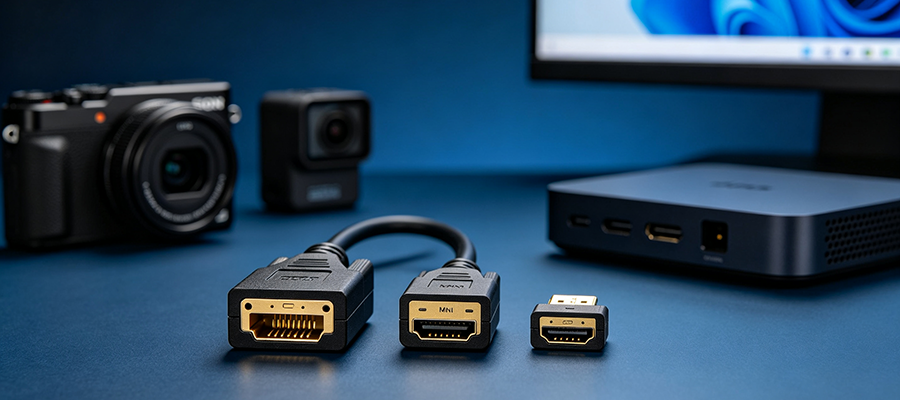
Most modern portable electronic devices — including digital cameras, action cameras, tablets, industrial monitors, and single-board computers — no longer feature a full-size standard HDMI Type-A port. Instead, they use compact Mini HDMI (Type-C) или Micro HDMI (Type-D) ports for a slimmer, lighter device design. This creates a common problem for users: how to connect Mini HDMI or Micro HDMI devices to standard HDMI TVs, monitors, and projectors.
A high-quality Mini HDMI to standard HDMI cable или Micro HDMI to HDMI cable is the perfect solution for stable video and audio transmission. However, many users encounter issues such as no signal, black screen, flickering, or resolution limitation simply because they mix up Mini HDMI and Micro HDMI connectors or use low-quality incompatible cables.
In this fully SEO-optimized guide, we explain Mini HDMI vs Micro HDMI differences, device compatibility, common connection problems, buying tips, and professional use cases to help you select the correct portable HDMI cable for your devices.
What Are Mini HDMI and Micro HDMI?
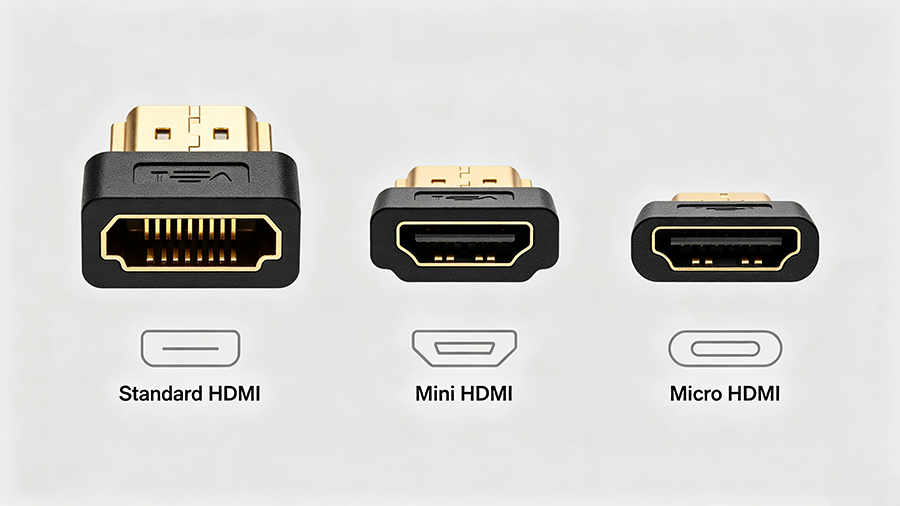
HDMI standard defines three mainstream connector types for consumer electronics:
-
Standard HDMI (Type-A): Full-size port for TVs, monitors, desktops, game consoles — the most common HDMI port.
-
Mini HDMI (Type-C): Medium compact port, widely used in older DSLR cameras, camcorders, and portable media players.
-
Micro HDMI (Type-D): The smallest HDMI port, commonly found on action cameras, tablets, single-board computers, and mini PCs.
Оба Mini HDMI to HDMI conversion и Micro HDMI to standard HDMI conversion support full HD, 2K, 4K resolution and audio pass-through — but the connectors are not interchangeable. Using the wrong cable will result in connection failure or physical port damage.
Mini HDMI vs Micro HDMI vs Standard HDMI Comparison Table
This comparison table helps users quickly distinguish port types, compatible devices, and application scenarios
|
Тип разъема
|
HDMI Type
|
Main Compatible Devices
|
Common Use Case
|
Cable Solution
|
|---|---|---|---|---|
|
Стандартный HDMI
|
Type-A
|
TV, Monitor, PS5, Xbox, Desktop PC
|
Home theater, gaming, desktop display
|
Standard HDMI 2.0 / 2.1 cable
|
|
Мини HDMI
|
Type-C
|
DSLR cameras, camcorders, old tablets, industrial devices
|
Camera live view, video recording playback
|
Mini HDMI to standard HDMI cable
|
|
Микро HDMI
|
Type-D
|
Action cameras, mini PCs, single-board computers, portable tablets
|
Outdoor shooting, mini device display output
|
Micro HDMI to standard HDMI cable
|
Popular Devices That Use Mini HDMI & Micro HDMI Ports
4.1 Mini HDMI Compatible Devices
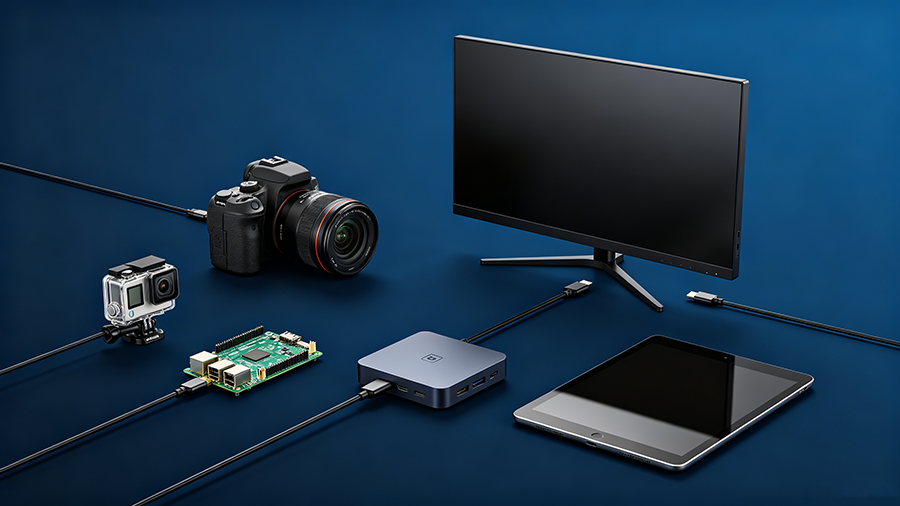
If you own the following devices, you need a Mini HDMI to standard HDMI cable for display output:
-
Canon / Nikon DSLR cameras with Mini HDMI ports
-
Traditional handheld video camcorders
-
Old-generation Windows and Android tablets
-
Industrial portable detection equipment
4.2 Micro HDMI Compatible Devices
Micro HDMI to HDMI cable is required for these popular portable gadgets:
-
GoPro action cameras and similar sports cameras
-
Raspberry Pi single-board computers
-
Mini portable PCs and pocket computers
-
Slim lightweight Android tablets and e-readers
Common Problems with Mini/Micro HDMI to HDMI Cables
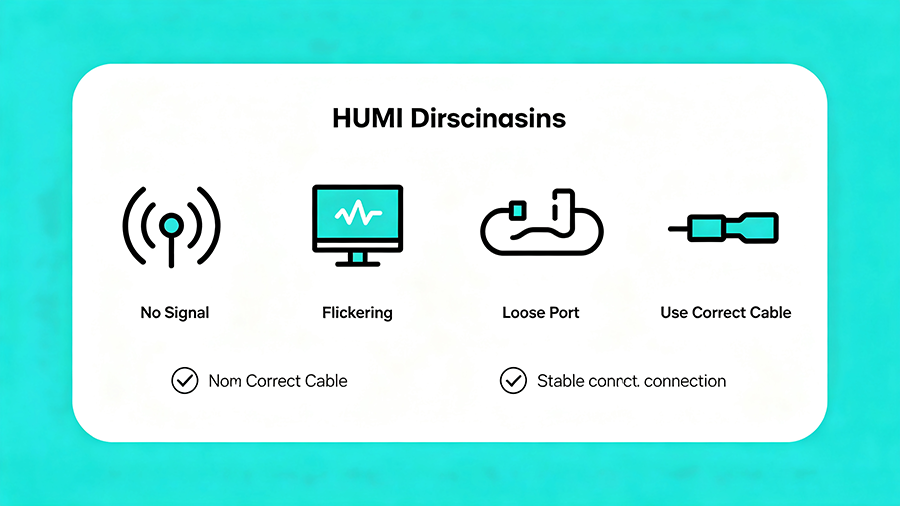
Many users search for Micro HDMI not working, Mini HDMI no signal, иportable HDMI flickering issues. Here are the most frequent faults and solutions:
5.1 Wrong Connector Selection (Top Issue)
Mini HDMI and Micro HDMI look similar but feature completely different pin layouts. Many users mistakenly buy the wrong cable, causing plug-in failure or no signal output.
Решение: Confirm your device port type before purchasing Mini HDMI or Micro HDMI conversion cables.
5.2 Flickering & Black Screen Output
Low-quality unshielded Mini/Micro HDMI cables suffer EMI interference, resulting in HDMI screen flickering and unstable 1080P/4K output during camera video playback.
Решение: Choose double-shielded Mini HDMI to HDMI and Micro HDMI to HDMI cables with anti-interference performance.
5.3 Resolution & Refresh Rate Limitation
Cheap conversion cables only support 1080P. For 4K video output from cameras and mini PCs, users need high-bandwidth cables compatible with HDMI 2.0 standards.
Решение: Select high-spec Mini/Micro HDMI cables supporting 4K@60Hz high-definition transmission.
5.4 Loose Connector & Poor Contact
Mini and Micro HDMI ports are tiny and fragile. Ordinary thin cables cause loose connection after frequent plugging, leading to intermittent signal dropout.
Решение: Use reinforced braided cables with stable locking connectors for long-term durability.
Why You Need a Professional Mini/Micro HDMI to Standard HDMI Cable
Many users try to use cheap adapters or generic cables, which often cause unstable signal, audio loss, and port damage. A professional dedicated Mini HDMI to standard HDMI cable и Micro HDMI to HDMI cable provides multiple advantages:
-
Plug-and-play: No driver installation required, zero-delay audio and video synchronization
-
High-bandwidth support: Stable transmission for 1080P, 2K, and 4K high-resolution video
-
Full audio support: Compatible with Dolby audio and multi-channel stereo sound
-
Anti-interference design: Double shielding eliminates EMI signal interference
-
Durable build: Nylon braided jacket and reinforced connector prevent bending damage
Buying Guide: How to Choose the Best Mini / Micro HDMI Cable
Follow these standards to avoid bad purchases and solve all portable HDMI connection problems:
-
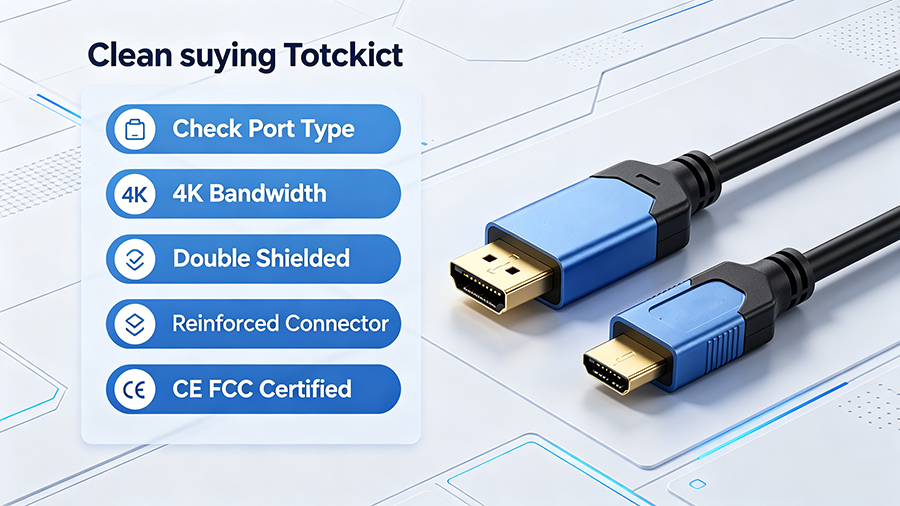
Confirm port type first: Distinguish Mini HDMI (Type-C) and Micro HDMI (Type-D) to avoid mismatch.
-
Check bandwidth specification: Choose HDMI 2.0 compatible cables for 4K video shooting and playback.
-
Priority to shielded cables: Double-layer shielding ensures stable signal in complex shooting and working environments.
-
Reinforced connector design: Prevents loose contact and port damage for frequent mobile use.
-
CE/FCC certified: Meets European and American market safety and electromagnetic compatibility standards.
Часто задаваемые вопросы
Q1: Are Mini HDMI and Micro HDMI the same?
A: No. Mini HDMI (Type-C) and Micro HDMI (Type-D) have different sizes and pin definitions. They are not interchangeable. You must use a matched Mini HDMI to HDMI или Micro HDMI to HDMI cable.
Q2: Can Micro HDMI output 4K video?
A: Yes. High-quality Micro HDMI to standard HDMI cables support 4K@60Hz resolution, perfectly matching action cameras and mini PC 4K output.
Q3: Why is my Mini HDMI cable not showing signal?
A: The main reasons are mismatched port type, low cable bandwidth, poor shielding interference, or loose connector contact.
Q4: Can I use adapter connectors instead of dedicated cables?
A: Adapters easily cause signal attenuation and flickering. Dedicated one-piece Mini/Micro HDMI to HDMI cables deliver far more stable performance.