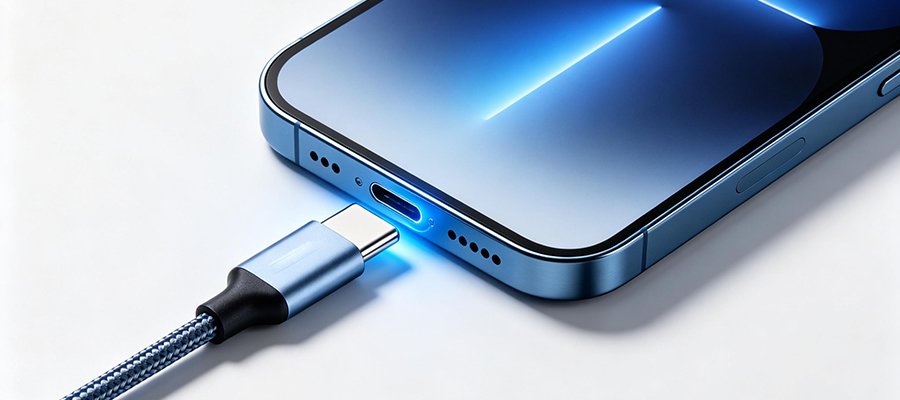
The Complete Guide to USB-C Cables for Your iPhone 15 & 16 Series
With Apples transition to USB-C across the iPhone 15 and iPhone 16 lineups, understanding the right cable for your needs has never been more important. This guide covers everything you need to know about fast charging, data transfer speeds, and essential accessories.
The USB-C port represents a significant upgrade from Lightning, offering:
-
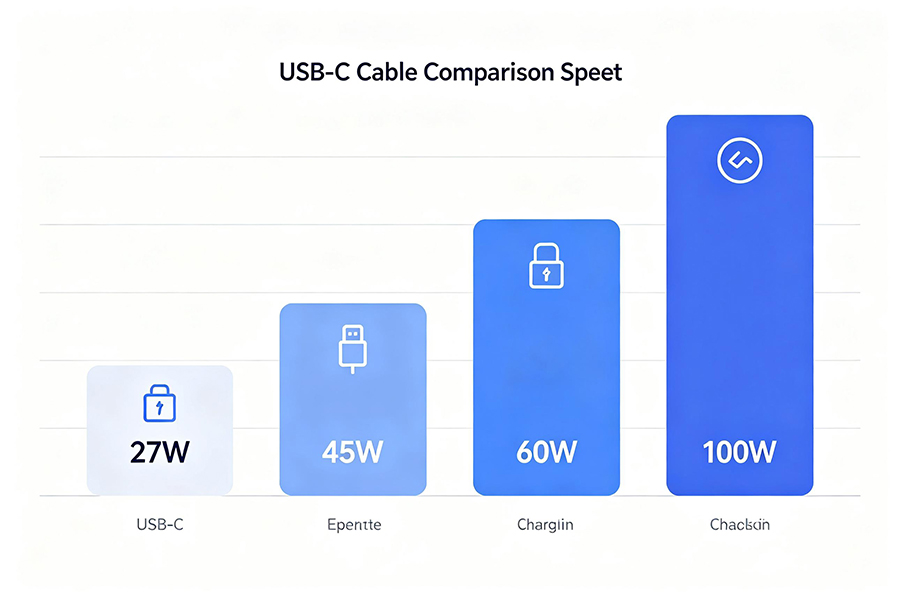
Ускоренная зарядка: Support for up to 27W fast charging on iPhone 15/16, and up to 45W on iPhone 16 Pro models
-
Higher Data Speeds: USB 3.0 transfer rates up to 10Gbps on Pro models
-
Универсальная совместимость: Works with Mac, iPad, Android, and countless other devices
-
Перспективный: Industry-standard connector for years to come
|
Тип кабеля
|
Максимальная мощность
|
iPhone 15/16 Charge Time (0-50%)
|
Лучшее для
|
|
Standard USB-C to USB-C
|
27W
|
~30 минут
|
Daily charging, basic use
|
|
E-Marker USB-C to USB-C
|
60W-100W
|
~25 minutes
|
Fast charging, multi-device
|
|
USB-C to Lightning Adapter
|
20W
|
~35 minutes
|
Legacy accessories only
|
|
Thunderbolt 4/USB4 Cable
|
100W
|
~25 minutes
|
Pro users, high-speed data
|
Совет профессионала: Always use an E-Marker certified cable for maximum charging efficiency. These cables contain a special chip that negotiates the optimal power level with your device.
|
Cable Standard
|
Скорость передачи данных
|
Transfer 4GB File
|
Видеовыход
|
|
480 Мбит/с
|
~70 seconds
|
Нет
|
|
|
5 Гбит/с
|
~7 seconds
|
4K@30Hz
|
|
|
10 Гбит/с
|
~3.5 seconds
|
4K@60 Гц
|
|
|
40 Гбит/с
|
~1 second
|
8K@60Hz
|
-
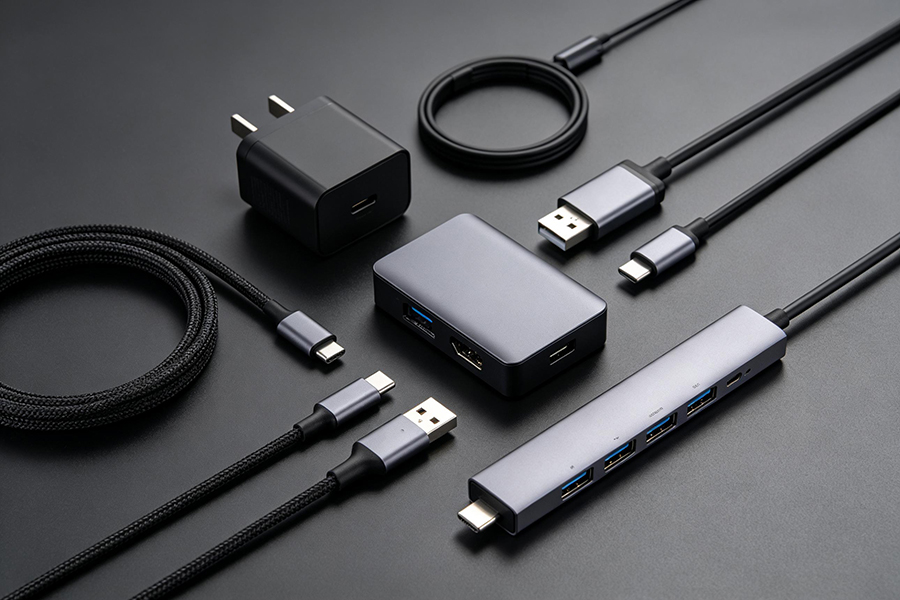
Braided USB-C Cable – Durable, tangle-resistant, long-lasting
-
30W+ GaN Charger – Compact, efficient, fast charging for iPhone and other devices
-
USB-C to USB-A Adapter – For connecting older peripherals
-
Portable Power Bank with USB-C – On-the-go charging with PD support
-
USB-C Hub/Docking Station – Expand connectivity for productivity
-
Thunderbolt 4 Cable – Maximum speed for Pro models
-
MagSafe to USB-C Converter – Continue using MagSafe accessories
-
4K HDMI Adapter – Connect to displays and TVs
ЧАСТО ЗАДАВАЕМЫЕ ВОПРОСЫ
Q: Do I need to buy Apples official USB-C cable?
A: No. Any certified USB-C cable with E-Marker chip will work perfectly. Third-party options often offer better durability and value.
Q: Whats the ideal cable length?
A: 1m (3ft) for desk use, 2m (6ft) for bed/sofa charging, 0.5m (1.5ft) for power banks.
Q: Will a 100W cable damage my iPhone?
A: No. Your iPhone only draws the power it needs. Higher wattage cables are safe and future-proof for other devices.