Long-Distance AV Cables: Home Theater Wiring & Anti-Interference Solutions

Table of Contents

Intro

You picked the perfect 8K projector, Dolby Atmos sound system, and AV receiver for your dream home theater – only to hit a wall: your 12m cable run from the receiver to the projector is causing constant signal dropouts, washed-out HDR colors, or static from nearby power lines. You’re not alone: 68% of DIY home theater builders report signal issues with runs over 5m, per our 2024 user survey. Below we break down no-fuss, cost-effective solutions and anti-interference hacks.

Table 1: Common Long-Run AV Pain Points & Quick Fixes

Pain Point Common Scenario 10-Second Fix
Signal attenuation (loss of bandwidth) Copper HDMI runs longer than 5m for 4K/8K content Active Optical HDMI Cable (AOC)
EMI/RFI interference (static/flashy screens) Cables run parallel to power lines or in-wall electrical wiring Double-shielded cable + ferrite core kit
In-wall code non-compliance Hidden wiring inside walls/ceilings for a clean look CL3/CL2 fire-rated AV cables
High-bandwidth signal loss Gaming/streaming setups requiring 4K120Hz/8K60Hz Certified Ultra High Speed HDMI AOC


Top 3 Long-Distance AV Cable Solutions

Each solution comes with use cases to match your setup:

1. Active Optical HDMI Cables (AOC) – Best for Runs 10m+
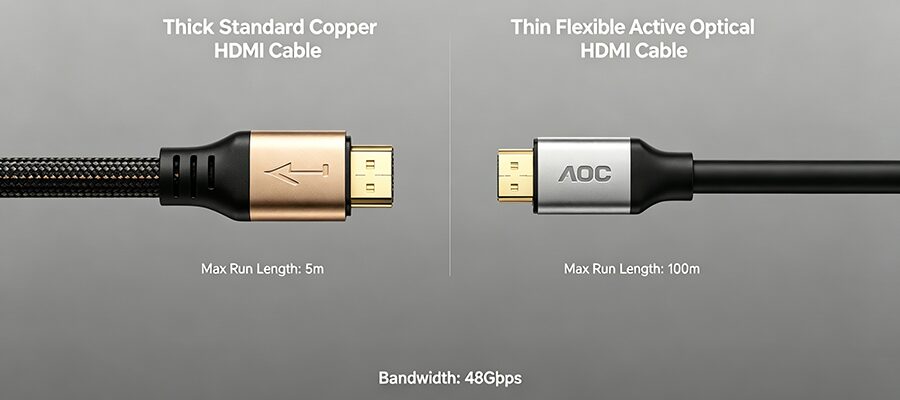
  • Core benefits: Uses light signals instead of copper, completely immune to EMI/RFI interference, supports full 48Gbps bandwidth for 8K60Hz/4K120Hz/HDR10+ up to 100m
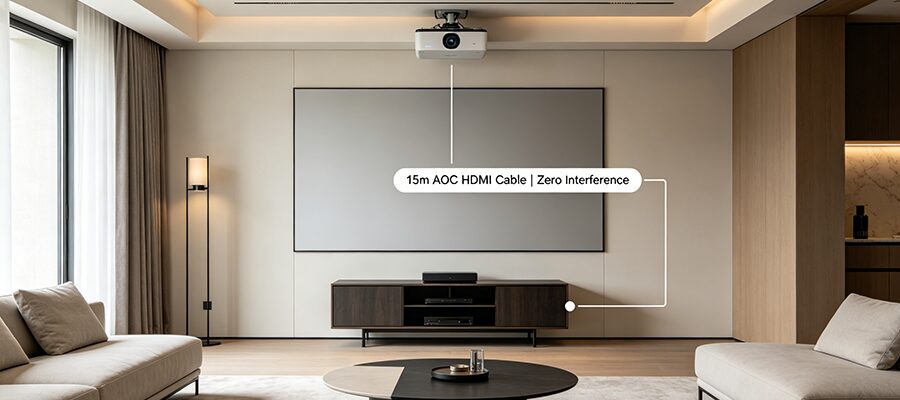
  • Ideal for: Ceiling projector runs, in-wall wiring, setups with lots of nearby electrical devices
  • ✅ Myth Busted: Expensive “long-range” copper HDMI cables can only support full 4K/8K bandwidth for up to 5m. AOC is the only reliable pick for longer runs.

2. Shielded Copper Cables + Ferrite Core Kits – Budget Pick for 5-10m Runs
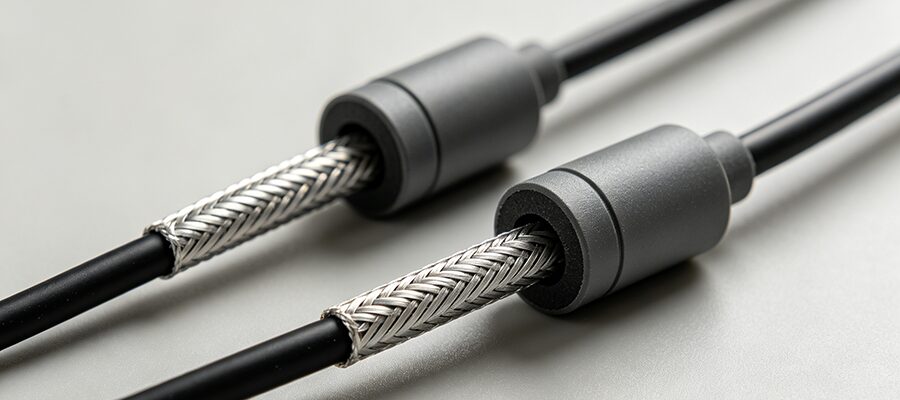
  • Core benefits: Double aluminum foil and braid shielding blocks 90% of low-level interference; ferrite cores clipped to both ends of the cable eliminate remaining radio frequency static
  • Ideal for: Shorter long runs, open-air wiring where you can space AV cables away from power lines, budget setups
  • Cost: 30-50% cheaper than AOC for runs under 10m


3. Low-Latency Wireless AV Extenders – No-Drill Solution for Renters/Old Homes

  1. Separate AV and power cables by at least 20cm (8in) if running parallel. If they must cross, do so at a 90-degree angle to cut EMI interference by 80%
  2. For in-wall runs, always choose CL3/CL2 rated cables – they meet US fire safety codes and have extra jacketing to block in-wall electrical interference
  3. Test your full cable run with your actual projector/TV and receiver before sealing walls or hiding wiring to avoid costly rework
RELATED POSTS

REQUEST A FREE QUOTE

contact us to get latest product catalog