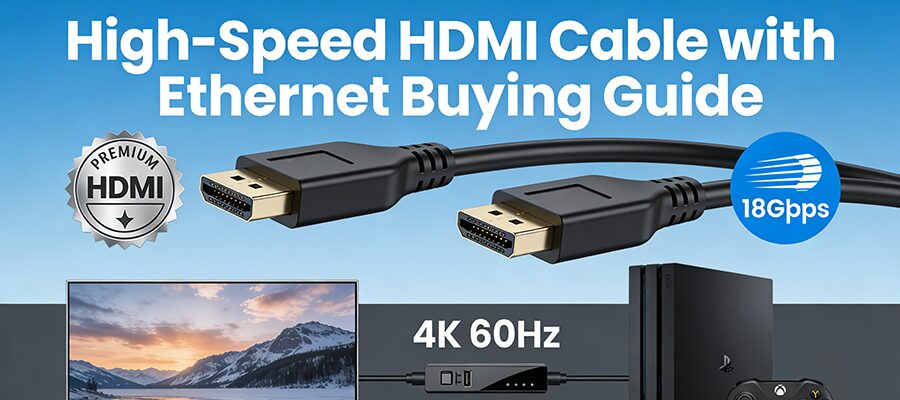
HDMI Cable with Ethernet Guide: Certifications & Bandwidth Explained

Índice

Introduction: Why Your HDMI Cable Matters More Than You Think

You’ve invested in a 4K TV, a next-gen gaming console, or a high-end laptop—only to be stuck with blurry visuals or laggy gameplay. Chances are, your HDMI cable is the culprit. Not all HDMI cables are created equal, and for 4K 60Hz (or higher) performance, you need a High-Speed HDMI Cable with Ethernet. This guide breaks down what to look for, from certifications to bandwidth, so you can stop guessing and start enjoying crisp, smooth content.


Key Terms Decoded: Premium Certification & 18Gbps Bandwidth

Before shopping, let’s demystify the jargon:

1. Premium HDMI Certification: Your “Guarantee” Stamp
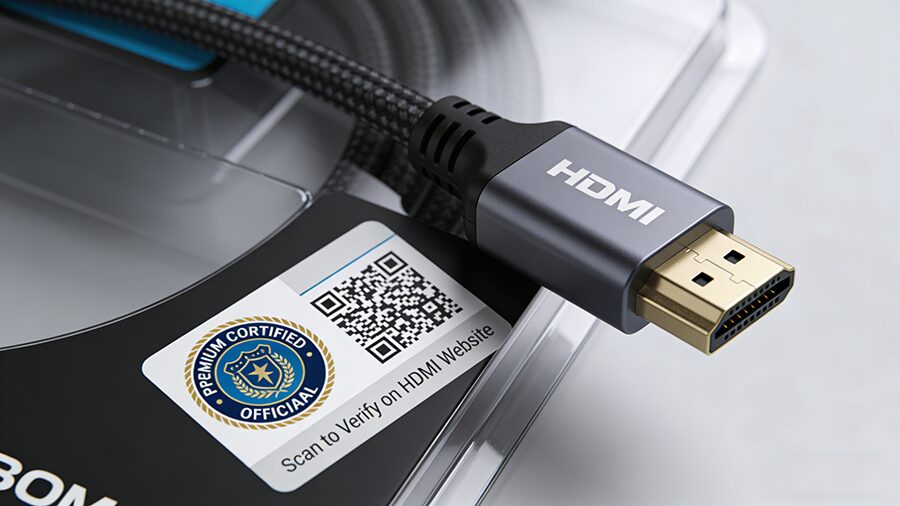
Not all “High-Speed” cables are certified. The HDMI Premium Certification (by HDMI Licensing Administrator) ensures a cable meets strict performance standards:
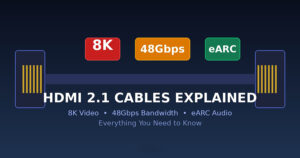
  • Supports 18Gbps bandwidth (critical for 4K 60Hz).
  • Delivers uncompressed 4:4:4 color (no color subsampling).
  • Works reliably over longer distances (up to 5m for passive cables).


How to spot it: Look for the Premium Certified logo on the cable or packaging (see Figure 1). Many include a QR code to verify authenticity via the HDMI website.

2. 18Gbps Bandwidth: The 4K 60Hz Minimum


Bandwidth is the “data pipeline” of your HDMI cable. For 4K 60Hz with HDR and full color, you need at least 18Gbps:


Consejo profesional: If a cable doesn’t list bandwidth, it’s likely not High-Speed.

How to Spot Fake High-Speed HDMI Cables

Counterfeit cables are everywhere—here’s how to avoid them:

Check Genuine Cables Fake Cables
Certificación Premium Certified logo with scannable QR code No logo, blurry/forged logos, or no QR code
Cable Label “High-Speed HDMI Cable with Ethernet” + “18Gbps” Vague labels like “HDMI Cable” or “4K Ready”
Precio $15–$50 (1–2m); $30–$80 (3m+) Under $10 (suspiciously cheap)
Embalaje Branded, with specs (length, bandwidth, HEC) Generic packaging, no brand/model details


HDMI with Ethernet vs. Without: What’s the Difference?

HDMI cables come with or without Ethernet (HEC, HDMI Ethernet Channel). Here’s how they stack up:

HDMI with Ethernet (HEC)

  • Característica: Transmits 100Mbps network data via the HDMI cable (no extra Ethernet cord needed).
  • Caso práctico: Devices that share internet (e.g., smart TVs, AV receivers, soundbars).
  • Identification: Look for “High-Speed HDMI Cable with Ethernet” on the cable or packaging (see Figure 2).

HDMI Without Ethernet

  • Característica: No network transmission—only video/audio.
  • Caso práctico: Most modern devices (consoles, laptops, monitors) that connect to Wi-Fi directly.
  • Identification: Labeled “High-Speed HDMI Cable” (no “with Ethernet”).
ENTRADAS RELACIONADAS

SOLICITE UN PRESUPUESTO GRATUITO

póngase en contacto con nosotros para obtener el último catálogo de productos