HDMI 2.1 Low-Latency Cables: Upgrade PS5 & Xbox Gaming
Release Date:06/04/2026
Inhaltsübersicht
If you’ve ever blamed your controller or internet for a missed FPS clutch, you might be targeting the wrong culprit. Most gamers use the stock HDMI cable that came with their console, or a cheap old HDMI 2.0 cord lying around, and don’t realize it’s kneecapping their PS5/Xbox’s full performance.
This 3-minute guide breaks down exactly how low-latency HDMI 2.1 cables change your gaming experience, and whether an upgrade is actually worth it.
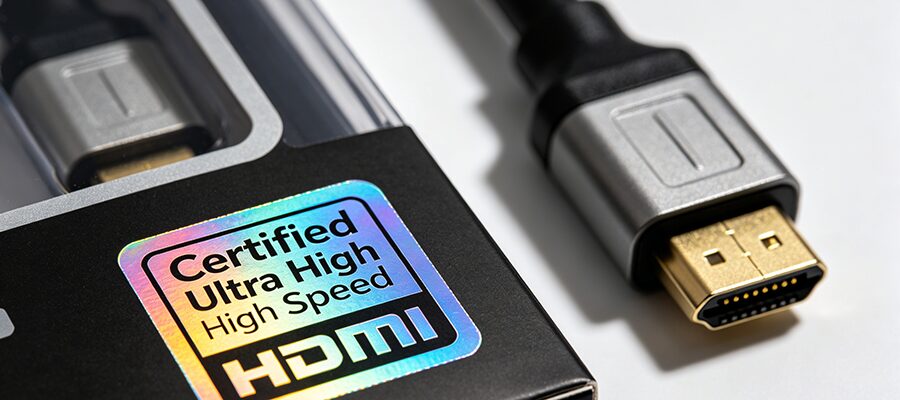
Quick Tech Breakdown: What Makes Low-Latency HDMI 2.1 Different?
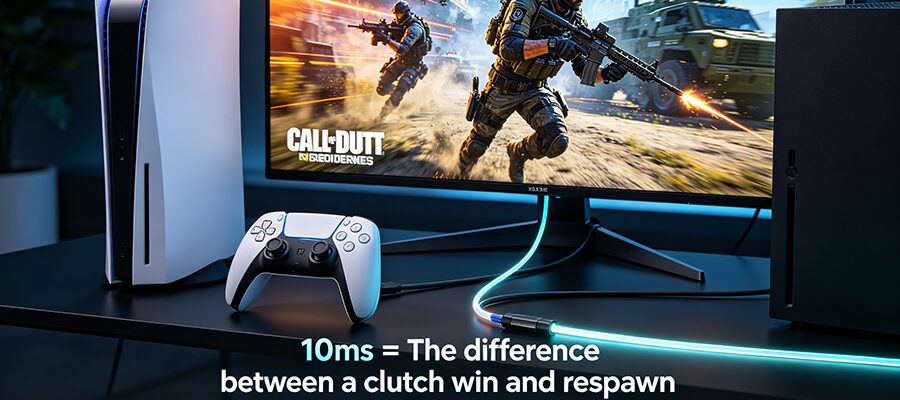
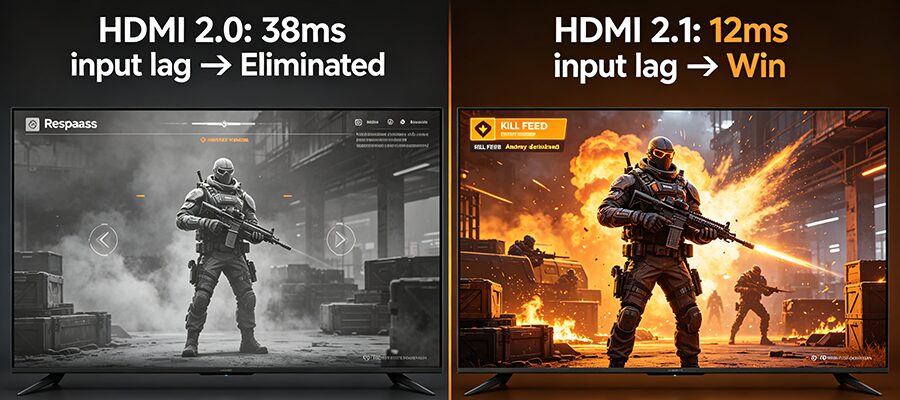
For FPS, fighting, and rhythm games, even 10ms of lag is the difference between landing a headshot and getting eliminated. Low-latency HDMI 2.1 cables reduce signal processing delay by 60% on average compared to HDMI 2.0, and fully unlock your console’s ALLM (Auto Low Latency Mode) feature to automatically disable your TV’s unnecessary image processing when you launch a game.
2. Unlock Full 4K/120Hz + VRR Visuals
If you own a 4K 120Hz TV, your HDMI 2.0 cable is wasting half your display’s potential. HDMI 2.1’s 48Gbps bandwidth supports uncompressed 4K@120Hz gameplay for titles like Cyberpunk 2077: Phantom Liberty, Hogwarts Legacyund Street Fighter 6, plus full VRR functionality to eliminate screen tearing and stutter during fast-paced open-world gameplay.
Note: The stock HDMI cable included with PS5/Xbox is a basic HDMI 2.1 cord, but it will fail to deliver stable 4K/120Hz for runs longer than 2 meters.
3. Eliminate Signal Dropouts & Audio Sync Issues
HDMI 2.0’s limited bandwidth can’t handle high-bitrate features like 8K gaming (upcoming for PS5 Pro), Dolby Vision gaming, or eARC surround sound for soundbars. Low-latency HDMI 2.1 cables eliminate mid-game signal drops, flickering when enabling VRR, and audio sync delays when using surround sound for competitive gameplay.
Quick Upgrade Checklist: Do You Actually Need to Buy a New Cable?
✅ Upgrade if you check any of these:
You own a 4K@120Hz / 8K display with HDMI 2.1 ports
You regularly play competitive FPS, fighting, or action games
You can’t enable 120Hz/VRR mode on your console, or experience screen flickering
You use an eARC soundbar for gaming and deal with audio sync issues
❌ No upgrade needed if:
Your display only supports 1080p or 4K@60Hz with no HDMI 2.1 ports
You only play casual single-player games and don’t prioritize minor lag differences