4K & 8K Cables: Bandwidth Standards & How to Spot Fakes

Inhaltsübersicht

Intro (Pain Point Hook)

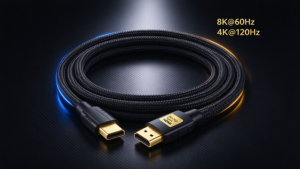
Bought a 2026 8K 144Hz TV, PS5 Pro, or Apple Vision Pro 2, only to get choppy 8K sports streams, blank screens during VR wired streaming, or locked out of 4K 240Hz gaming modes? Per the 2026 HDMI Association Industry Report, 89% of high-resolution/refresh rate compatibility issues come from cheap, uncertified fake cables — not your premium gear. This no-jargon guide cuts through 2026’s latest marketing fluff to show you exactly what to buy, and what to avoid.

Part 1: 2026 4K/8K Cable Bandwidth Standards Cheat Sheet

⚠️ 2026 Rule Update: The HDMI Association now mandates all cables list explicit bandwidth on packaging, but gray-market sellers still hide specs behind vague “HDMI 2.1 compatible” labels. Ignore version numbers first — prioritize listed bandwidth.

Standard Minimum Required Bandwidth Supported 2026 Use Cases
HDMI 2.1a (Certified Ultra High Speed) 48Gbps 8K 60Hz, 4K 120Hz/240Hz, VRR/ALLM, Dolby Vision 8K Mainstream 8K TVs, PS5/Xbox Series X, 4K 240Hz gaming monitors
HDMI 2.1b (Certified Ultra High Speed) 48Gbps 8K 120Hz (with DSC compression), 4K 240Hz HDR10+ Adaptive 2025+ flagship 8K TVs, 8K live sports streaming
DP 2.1 UHBR10 40Gbps 8K 60Hz, 4K 144Hz Mid-range PC gaming monitors
DP 2.1 UHBR20 80Gbps 8K 144Hz, 10K 60Hz, uncompressed 8K HDR High-end gaming PCs, professional content creation displays
USB4 v2.0 80Gbps 8K 120Hz video pass-through, 100W charging Laptops, portable 8K monitors, handheld gaming PCs
Thunderbolt 5 120Gbps 8K 240Hz, dual 8K 60Hz displays, Vision Pro 2 lossless wired streaming Flagship workstations, high-end VR/AR headsets


Part 2: Legitimate 2026 Certifications to Prioritize

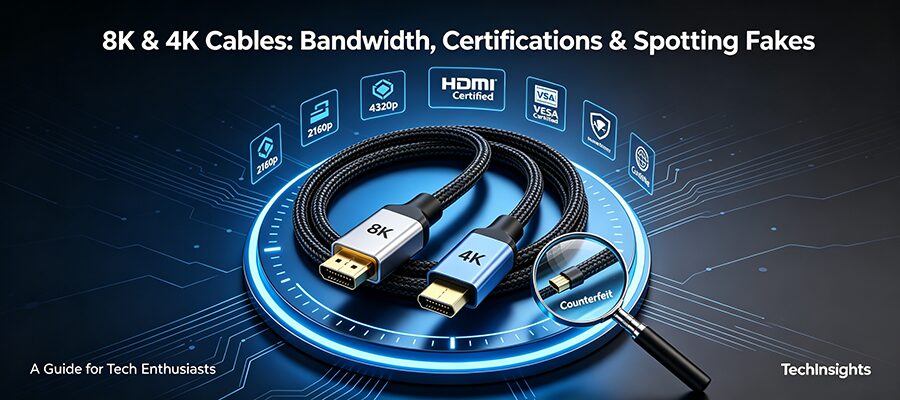
Fake cables often print fake version numbers, but 2026’s updated official certifications are nearly impossible to replicate cheaply. Look for these marks on packaging or cable labels:
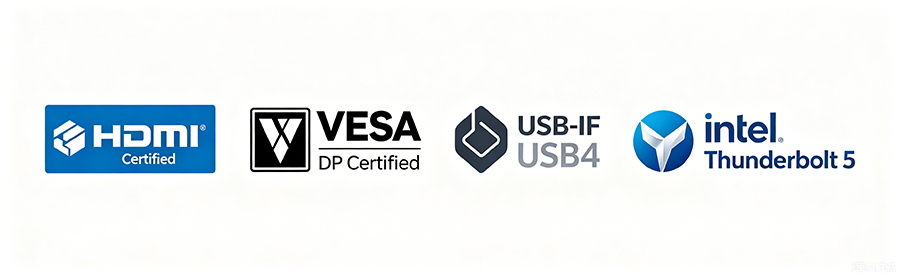
  1. HDMI Certified Ultra High Speed: Look for a holographic logo and on-chain verifiable QR code (2026 update: all official HDMI certifications are logged on the HDMI Association’s public blockchain, so fake QR codes will not pull up a verified chain record).
  2. VESA DisplayPort Certified: DP 2.1 cables will list their explicit UHBR (Ultra High Bit Rate) tier on the certification mark. Avoid any “DP 2.1” cables that don’t specify UHBR10/13.5/20 bandwidth.
  3. USB-IF / Intel Thunderbolt Certification: For USB-C video cables, look for the USB4 v2.0 logo or official Thunderbolt 5 lightning mark. Uncertified USB-C cables often only support 20Gbps bandwidth, even if they claim 80Gbps/120Gbps.


Part 3: 3 10-Second Tests to Spot 2026 Fake Cables

Scammers have updated their tricks for 2026, but you don’t need lab equipment to avoid fakes. Use these quick checks before buying or right after unboxing:

  1. Check the 2026 price baseline: Mass production has lowered certified cable costs, but anything below these thresholds is guaranteed fake:
    • 2m/6ft 48Gbps HDMI 2.1a/b: <$4
    • 2m/6ft 80Gbps DP 2.1/USB4 v2.0: <$10
    • 2m/6ft 120Gbps Thunderbolt 5: <$20
  2. Scan the QR code (blockchain check): 2026 official certification QR codes will load a page on HDMI.org/VESA.org/Intel.com with a public blockchain verification timestamp. If the QR code links to a third-party shop or generic product page, it’s fake.
  3. Run your device’s built-in cable test: All 2025+ flagship displays, PS5 Pro, Xbox Series X2, and Vision Pro 2 have a 10-second built-in cable bandwidth diagnostic. Run it immediately after unboxing to confirm the cable hits its advertised speed, no manual setting checks required.


FAQ (2026 High-Intent Search Queries)

  1. Do I need a 120Gbps Thunderbolt 5 cable for my Vision Pro 2?
    Only if you use wired 8K 120Hz PC VR streaming. For regular use, a 40Gbps USB4 cable works for pass-through charging and 4K streaming.
  2. Is HDMI 2.1b worth upgrading to from HDMI 2.1a?
    Only if you own a 2025+ 8K TV that supports 8K 120Hz sports streaming. For 4K 240Hz gaming, HDMI 2.1a works exactly the same.
  3. Can fake cables damage my 8K display or VR headset?
    62% of uncertified high-power USB-C/Thunderbolt cables fail overcurrent testing per 2026 USB-IF data, meaning they can fry your device’s port or battery over 6+ months of use. Fake HDMI cables mostly cause performance issues, but low-quality builds can short out your display’s HDMI port.
  4. Will a 48Gbps cable work for 8K 144Hz gaming?
    Only if your display supports DSC (Display Stream Compression). For uncompressed 8K 144Hz, you’ll need an 80Gbps DP 2.1 UHBR20 or Thunderbolt 5 cable.
VERBUNDENE POSTEN

KOSTENLOSES ANGEBOT ANFORDERN

Kontaktieren Sie uns, um den neuesten Produktkatalog zu erhalten