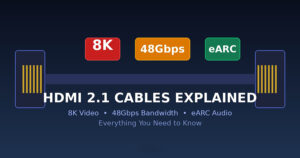
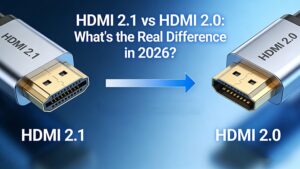
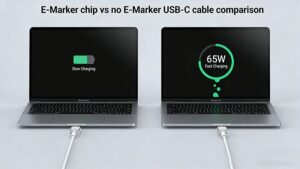
In the era of high-definition audio-visual experiences, choosing the right cable—HDMI, DisplayPort (DP), or Thunderbolt—can be confusing. This guide breaks down their differences, use cases, and key factors to help you make an informed decision.
Key Differences at a Glance
| Характеристика | HDMI 2.1 | DisplayPort 2.0 | Thunderbolt 4 |
|---|---|---|---|
| Максимальная пропускная способность | 48 Гбит/с | 80 Гбит/с | 40 Гбит/с |
| Resolution@Refresh | 8K@60 Гц, 4K@120 Гц | 16K@60Hz, 8K@120Hz | 8K@60Hz, 4K@144Hz |
| Audio Channels | 32 | 32 | 32 |
| Доставка электроэнергии | До 100 Вт | Нет | До 100 Вт |
| Daisy-Chaining | Ограниченный | Да | Да |
| Общие устройства | TVs, Consoles | Monitors, PCs | Laptops, Phones |
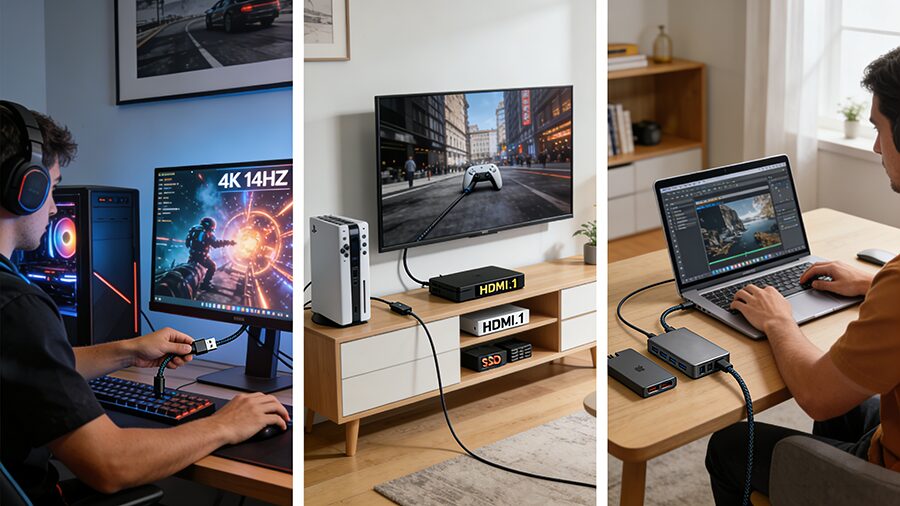
How to Choose?
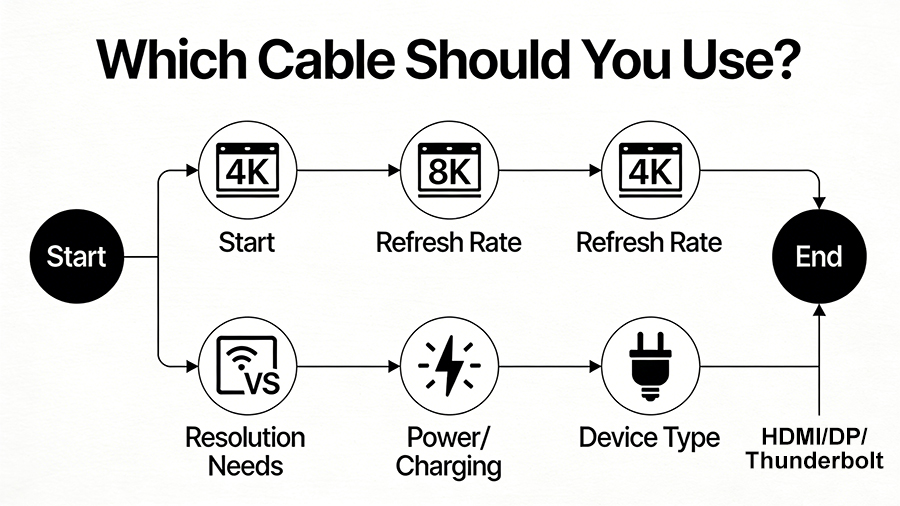
Последние советы