Введение
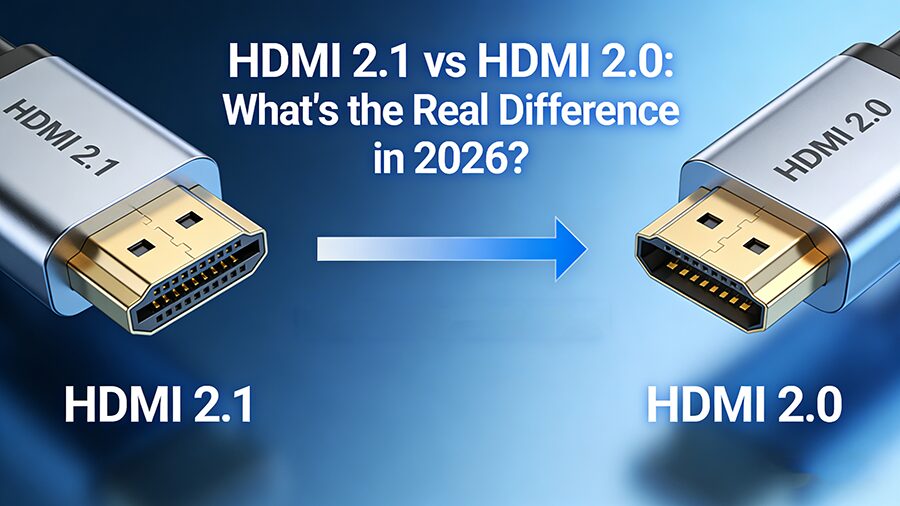
If you’ve been shopping for Кабели HDMI lately, you’ve probably seen both HDMI 2.0 и HDMI 2.1 labels everywhere. But what do they actually mean? And does upgrading to HDMI 2.1 really make a difference—or is it just marketing?
You’re not alone. This is one of the most common questions we get from retailers, integrators, and tech enthusiasts alike.
In this guide, we’ll break down every meaningful difference between HDMI 2.0 and HDMI 2.1 in plain English—no technical jargon overload. By the end, you’ll know exactly which cable belongs in your cart.
A Quick Overview
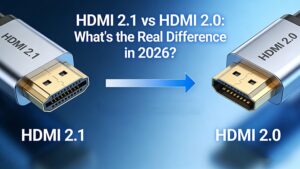
| Характеристика | HDMI 2.0 | HDMI 2.1 |
|---|---|---|
| Максимальная пропускная способность | 18 Гбит/с | 48 Гбит/с |
| Максимальное разрешение | 4K@60 Гц | 10K@120Hz |
| Максимальная частота обновления (4K) | 60 Гц | 120 Гц |
| HDR | Static | Dynamic |
| eARC | Нет | Да |
| Переменная частота обновления (VRR) | Нет | Да |
| Быстрая транспортировка рамы (QFT) | Нет | Да |
| Автоматический режим низкой задержки (ALLM) | Нет | Да |
1. Bandwidth: The Most Fundamental Difference
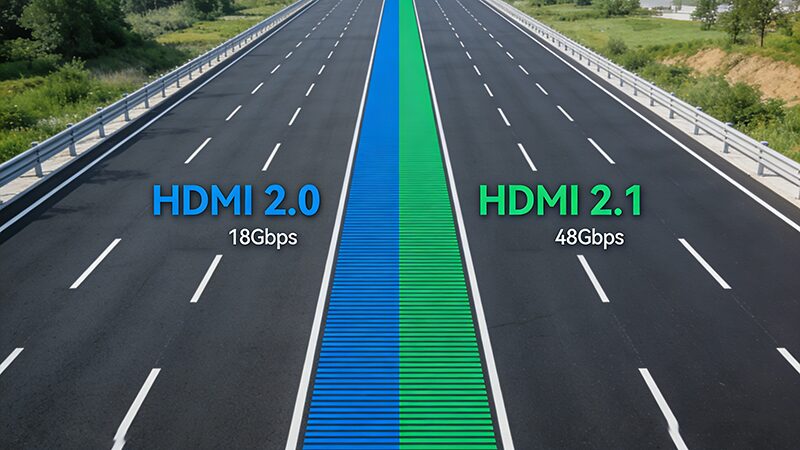
This is where everything starts. Bandwidth is the amount of data a cable can carry per second—and HDMI 2.1 nearly triples the bandwidth of HDMI 2.0.
That jump from 18 to 48 Gbps isn’t just a number. It’s what makes 8K video, high-frame-rate gaming, and advanced HDR possible. Think of it like upgrading from a two-lane road to a six-lane highway.
2. Resolution and Refresh Rate: Can You Actually See the Difference?
HDMI 2.0 handles:
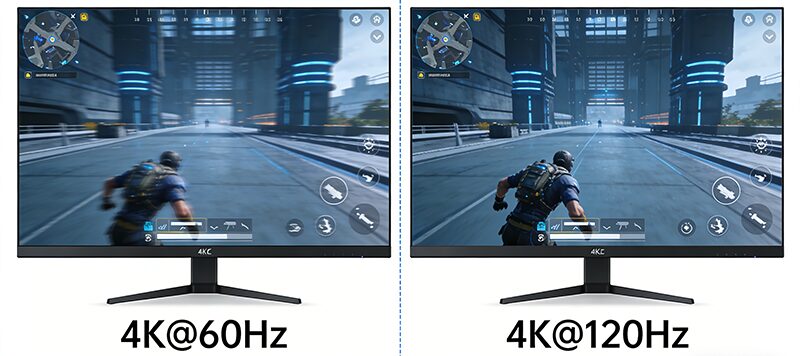
- 4K @ 60Hz (most common for TVs and monitors today)
- 1080p @ 240Hz
- 1440p @ 144Hz
HDMI 2.1 opens the door to:
- 4K @ 120Hz (critical for next-gen gaming)
- 8K @ 60Hz
- 10K @ 120Hz (primarily for commercial and proAV applications)
The bottom line: If you’re using a PlayStation 5, Xbox Series X, or a high-end PC graphics card, HDMI 2.1 is what unlocks the smooth, tear-free experience those devices are built for.
For general TV watching, streaming, and office work? HDMI 2.0 is still very capable.
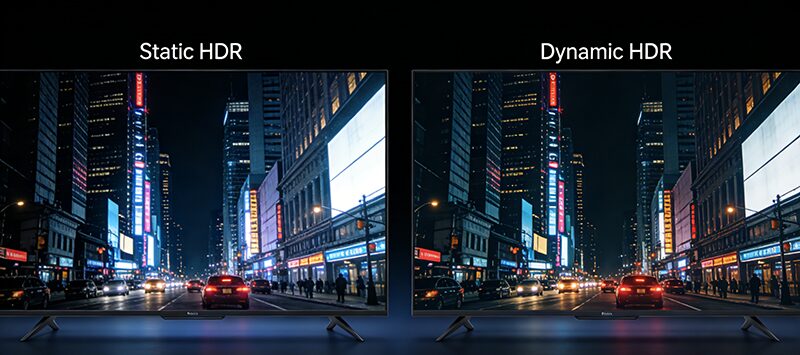
3. Dynamic HDR: Picture Quality That Adapts Scene by Scene
Both HDMI 2.0 and HDMI 2.1 support HDR (High Dynamic Range), but they handle it differently.
- HDMI 2.0 uses Static HDR — it sets one HDR profile for the entire video.
- HDMI 2.1 uses Dynamic HDR — it optimizes brightness, contrast, and color scene by scene, or even frame by frame.
Dynamic HDR (formats like Dolby Vision, HDR10+, and the open HDR10+ format) delivers noticeably richer, more accurate images, especially in movies with complex lighting—like a night scene that shifts between deep shadows and bright streetlights.
4. eARC: Better Audio Without the Cable Clutter
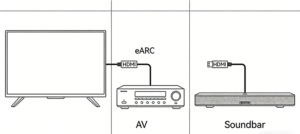
eARC (Enhanced Audio Return Channel) is a feature exclusive to HDMI 2.1.
What does it do? It allows higher-quality audio signals to travel both ways through your cable—meaning you can send lossless audio from your TV back to your soundbar or AV receiver.
With HDMI 2.0’s standard ARC, you’re limited in audio quality and compatibility. eARC supports:
- Dolby Atmos
- DTS:X
- Dolby TrueHD
- And other lossless audio formats
If you have a premium sound system, eARC is not a nice-to-have—it’s essential.
5. Gaming Features: VRR, ALLM, and QFT
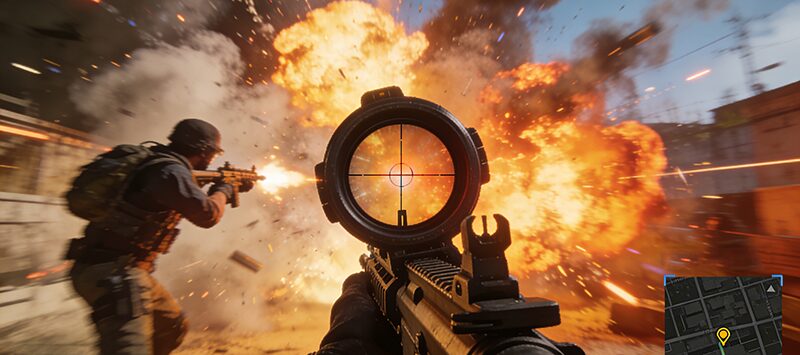
This is where HDMI 2.1 really shines for gamers.
Переменная частота обновления (VRR)
Matches your display’s refresh rate to your game’s frame rate in real time. Result: no screen tearing, no stuttering. It’s essentially what FreeSync and G-Sync do over DisplayPort, now over HDMI.
Автоматический режим низкой задержки (ALLM)
Automatically switches your TV or monitor to its lowest-latency “game mode” when you start playing. No manual setup. Just plug in and play.
Быстрая транспортировка рамы (QFT)
Reduces the time it takes for each frame to travel from your source to your display—meaning less input lag, which matters enormously in fast-paced competitive games.
None of these features are available on HDMI 2.0.
6. Cable Types: Do You Need a New Cable?
Here’s the tricky part: not every HDMI 2.1 cable is labeled the same way.
The HDMI Forum renamed cables based on their speed class:
- Стандартный HDMI (HDMI 1.4): Up to 1080i/30Hz — outdated
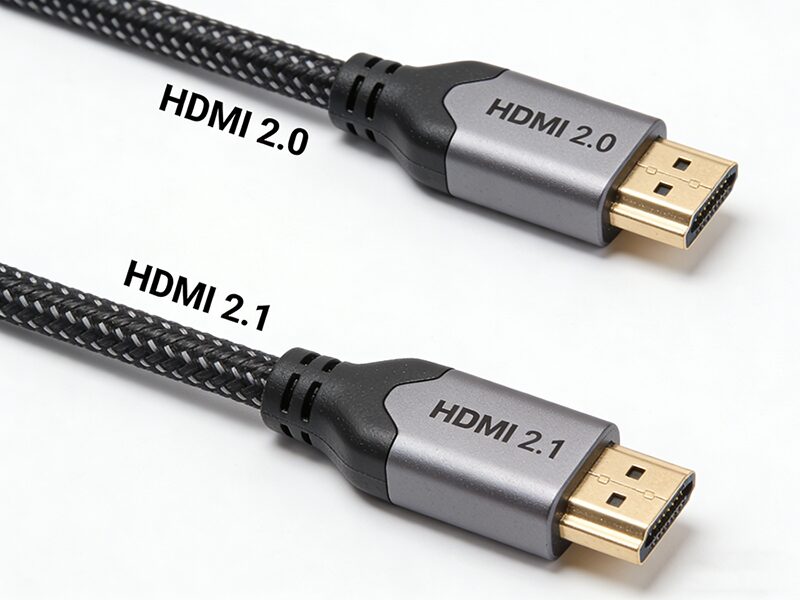
- Высокоскоростной HDMI (HDMI 2.0): 4K@60Hz capable
- Ultra High-Speed HDMI (HDMI 2.1): 48Gbps, required for HDMI 2.1 features
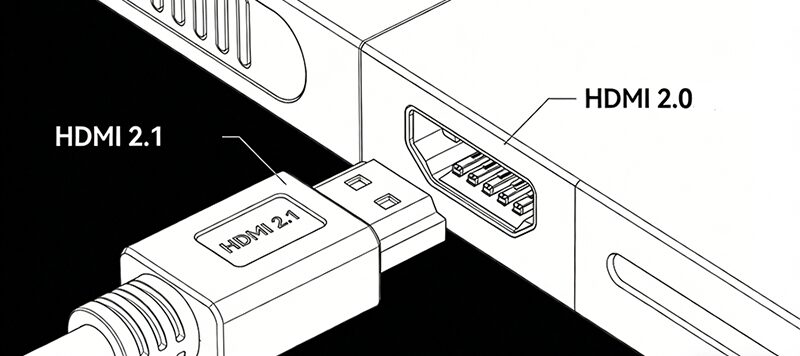
⚠️ Important: If you want true HDMI 2.1 performance, you need an Ultra High-Speed HDMI cable. A “High-Speed” HDMI 2.0 cable will physically fit—but it won’t give you 48Gbps, VRR, or 4K@120Hz.
Also worth noting: for runs longer than 3 meters, fiber optic HDMI 2.1 cables are strongly recommended to maintain signal integrity without degradation.
7. Are HDMI 2.1 Cables Backward Compatible?
Yes—100%.
An HDMI 2.1 cable will work perfectly with an HDMI 2.0 port. It will simply fall back to the highest speed that the older device supports.
So if you’re future-proofing your inventory or your home setup, there’s no risk in choosing HDMI 2.1. It’s the most versatile option available today.
8. Who Should Stick with HDMI 2.0?
HDMI 2.0 is not obsolete. It’s the right choice when:
- Your display is 4K@60Hz or lower
- You don’t game on next-gen consoles or high-refresh PC monitors
- You don’t need eARC or Dolby Atmos
- You’re buying in bulk for a budget-conscious market segment
For many commercial applications—digital signage, conference rooms, basic AV setups—HDMI 2.0 cables remain the practical, cost-effective standard.
9. The Real-World Impact: What You’ll Actually Notice
Let’s keep it honest:
- Video quality: Most people with a 4K@60Hz TV and a streaming device won’t see any visible difference between HDMI 2.0 and 2.1 in day-to-day use.
- Gaming: The difference is dramatic. If you own a PS5 or Xbox Series X and play at 4K@120Hz, HDMI 2.1 is non-negotiable.
- Аудио: If you have a Dolby Atmos soundbar or AV receiver, eARC on HDMI 2.1 is a genuine upgrade.
- Future-proofing: HDMI 2.1 is where the industry is heading. New TVs, monitors, consoles, and graphics cards all default to HDMI 2.1.
10. The Bottom Line
| Сценарий | Recommended Cable |
|---|---|
| 4K TV, movies, streaming | HDMI 2.0 is sufficient |
| PS5 / Xbox Series X / PC gaming | HDMI 2.1 is essential |
| 8K TV or commercial display | HDMI 2.1 required |
| Dolby Atmos / eARC sound system | HDMI 2.1 required |
| Long-distance runs (10m+) | Fiber optic HDMI 2.1 |
| Budget-conscious bulk order | HDMI 2.0 High-Speed |
Заключительные размышления
HDMI 2.1 isn’t just a marginal upgrade—it’s a meaningful leap in bandwidth, gaming performance, and audio capability. But that doesn’t mean HDMI 2.0 is dead. For the majority of everyday use cases, it’s still very much relevant.
The key is matching the right cable to the right customer. As a retailer, distributor, or integrator, understanding this distinction helps you stock smarter, advise better, and build trust with your buyers.
Need help sourcing the right HDMI cables for your market? FOYUN offers a full range of HDMI 2.0 and HDMI 2.1 cables—including Ultra High-Speed and fiber optic options—backed by ROHS, UL, and CSA certifications.
Feel free to contact us at [email protected] to discuss your HDMI cable requirements.