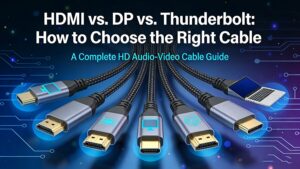
HDMI vs. DP vs. Thunderbolt: How to Choose the Right Cable
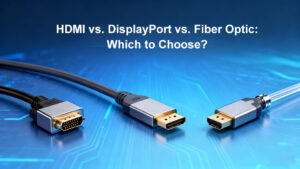
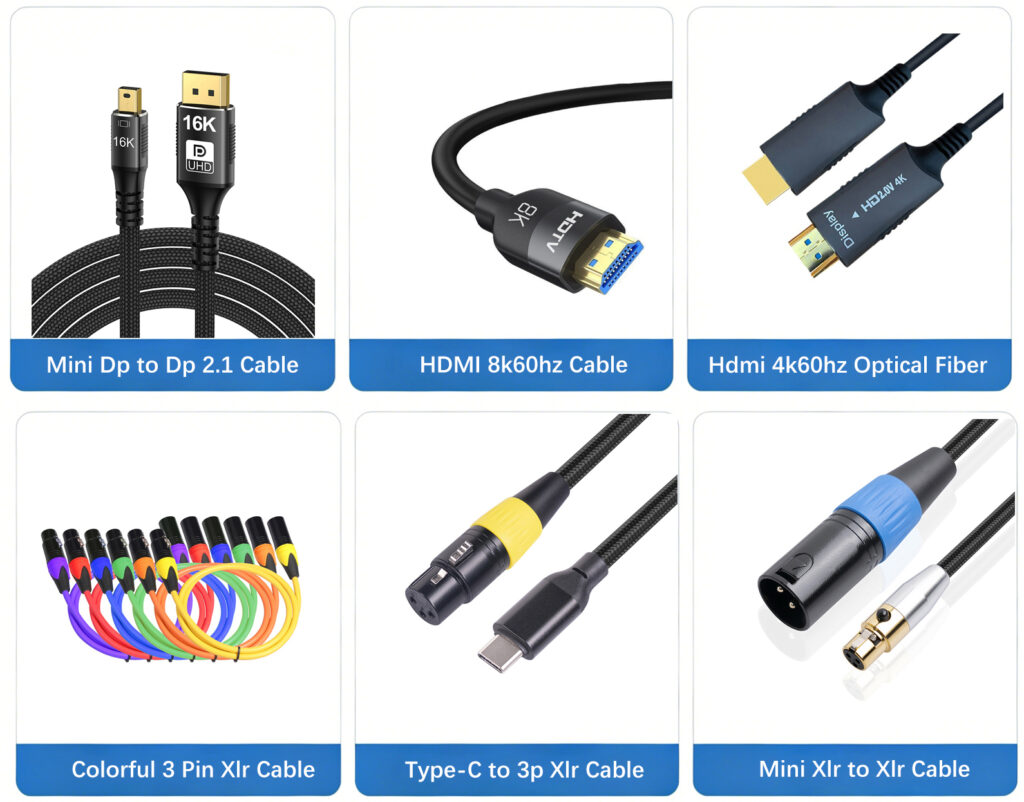
In the era of high-definition audio-visual experiences, choosing the right cable—HDMI, DisplayPort (DP), or Thunderbolt—can be confusing. This guide breaks down their differences, use cases, and key factors to help you make an informed decision. Key Differences at a Glance Feature HDMI 2.1 DisplayPort 2.0 Thunderbolt 4 Max Bandwidth 48 Gbps 80 Gbps 40 Gbps Resolution@Refresh 8K@60Hz, 4K@120Hz 16K@60Hz, 8K@120Hz 8K@60Hz, 4K@144Hz Audio Channels 32 32 32 Power Delivery Up to 100W No Up to 100W Daisy-Chaining Limited Yes Yes Common Devices TVs, Consoles Monitors, PCs Laptops, Phones How to Choose? Gaming/High-End Monitors: DP 2.0 for 8K/120Hz or multi-monitor setups. Home Theater: HDMI