Tried hooking up your gaming console to a wall-mounted TV with a cheap 10m HDMI cable, only to get flickering screens, dropped 4K 120Hz support, or washed-out HDR? You’re not alone.
Unlike short 1-2m HDMI cables that work straight out of the package, runs over 5m suffer from signal degradation that can tank your viewing experience if you pick the wrong product. This 3-minute guide cuts through marketing fluff to help you buy a long HDMI cable that retains full image quality.
Why Long HDMI Cables Are Different
Shorter cables transmit high-bandwidth 4K/8K data with near-zero loss, but every extra meter of copper wiring weakens signal strength. For runs 5m and above, basic uncertified cables will struggle to deliver full resolution and refresh rates – even if they’re labeled “HDMI 2.1”.
Whole-home AV systems, live event streaming setups
4 Non-Negotiable Buying Rules
1. Match the spec to your devices first
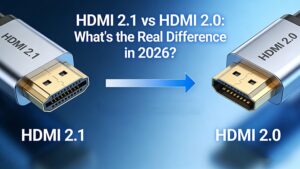
Don’t overpay for HDMI 2.1 if you only own a 4K 60Hz TV, but don’t cheap out on HDMI 2.0 if you have a PS5/Xbox Series X and 4K 120Hz display. For reference, all streaming services max out at 4K 60Hz, so HDMI 2.0 is enough for non-gaming setups.
2. Avoid 28AWG unshielded copper for 10m+ runs
AWG (American Wire Gauge) tip: Lower number = thicker copper core Thin 28AWG cables are prone to extreme signal drop-off over 5m, and will pick up interference from nearby power cords, leading to flickering. For 10m+ copper cables, stick to 24AWG or lower with double EMI/RFI shielding.
3. Check for required certifications
CL2/CL3 rating: Mandatory if you’re running the cable through walls/ceilings (fire-resistant, meets building codes)
HDCP 2.2/2.3 support: Required to stream 4K HDR content from Netflix/Disney+ or play protected 4K games
eARC support: Necessary if you’re connecting the cable to a soundbar for lossless surround sound
4. Switch to AOC for 15m+ high-bandwidth use
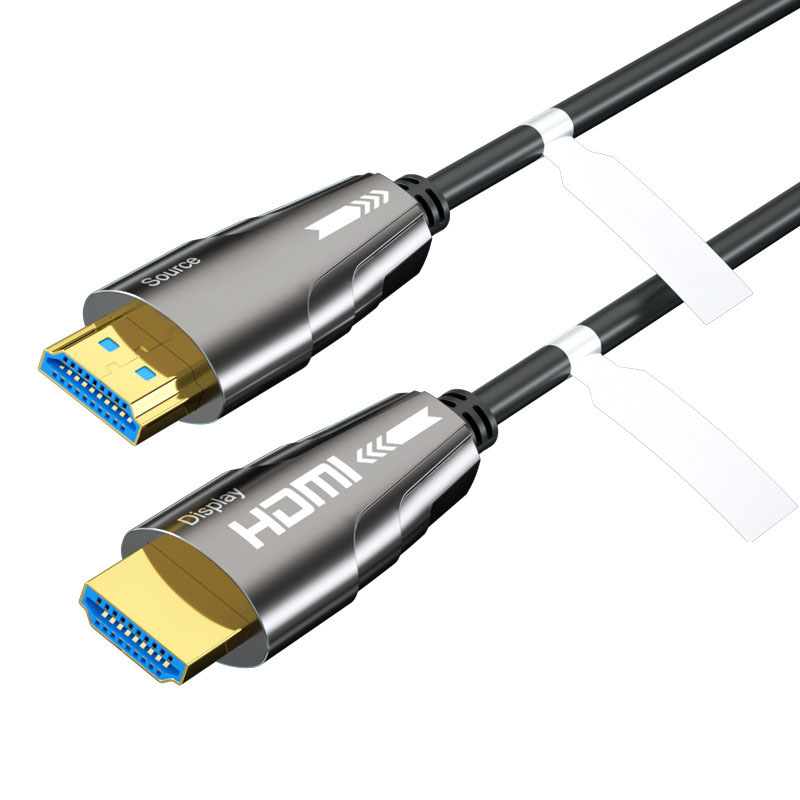
Active Optical Cables use fiber optics instead of pure copper to transmit signals, so they have zero attenuation even at 50m+ lengths. They’re also lighter and fully immune to electromagnetic interference. Note: AOC cables are directional – always match the source/display labels when plugging in.
FAQ
Q: Will a 10m HDMI cable cause input lag for gaming?
A: No, as long as you buy a certified shielded copper or AOC cable. Input lag only occurs with low-quality cables that experience signal drop-off and require repeated data retransmission.
Q: Can I use a 15m HDMI cable for 8K 60Hz?
A: Only if it’s a certified HDMI 2.1 AOC cable. Standard copper HDMI 2.1 cables can only support 8K 60Hz at lengths under 5m.
Q: Are expensive long HDMI cables worth it?
A: For lengths under 10m, mid-range certified 24AWG copper cables work perfectly. For 10m+, paying a $10-$20 premium for amplified copper or AOC cables will save you from constant signal issues and wasted money on cheap, non-functional alternatives.