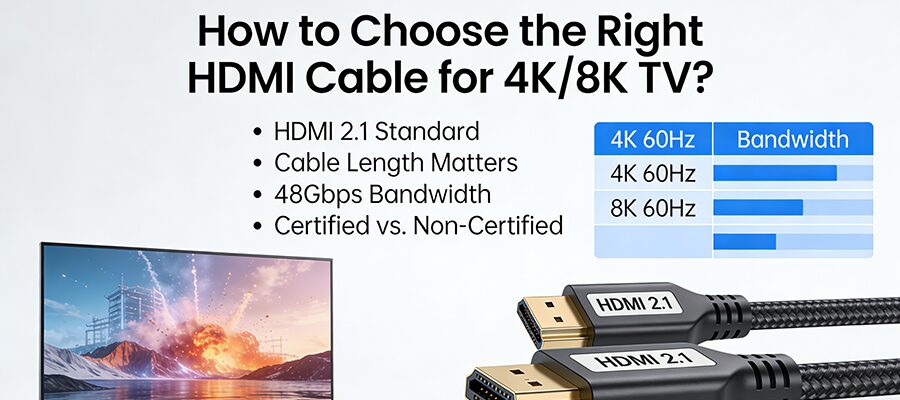
How to Choose the Right HDMI Cable for 4K/8K TV?

Inhaltsübersicht

You invested in a stunning 4K or 8K TV, but the picture still looks muddy? Chances are, your HDMI cable is the bottleneck. Not all HDMI cables are created equal—picking the right one unlocks your TV’s full visual potential. Let’s break down the essentials to find your perfect match.


Why Cable Quality Matters

A cheap, outdated HDMI cable can’t handle high-resolution signals, leading to pixelation, lag, or even no signal at all. Think of it as a pipe: a narrow pipe can’t carry as much water as a wide one. Your HDMI cable is the pipe for your TV’s 4K/8K data.
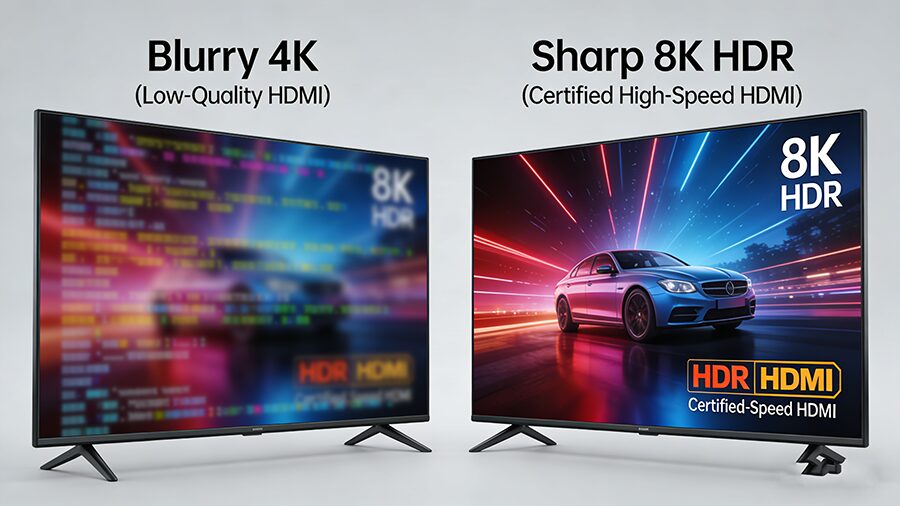
 

Key Specs to Prioritize

1. HDMI Version & Bandwidth

The version of your HDMI cable dictates its maximum performance. Use this quick comparison to match your needs:
HDMI-Version Maximale Auflösung/Erneuerungsrate Bandbreite Must-Have Features
1.4 4K@30Hz, 1080p@120Hz 10.2Gbps Basic ARC audio return
2.0 4K@60Hz, 1080p@240Hz 18Gbps HDR10 support, Premium certification, limited eARC
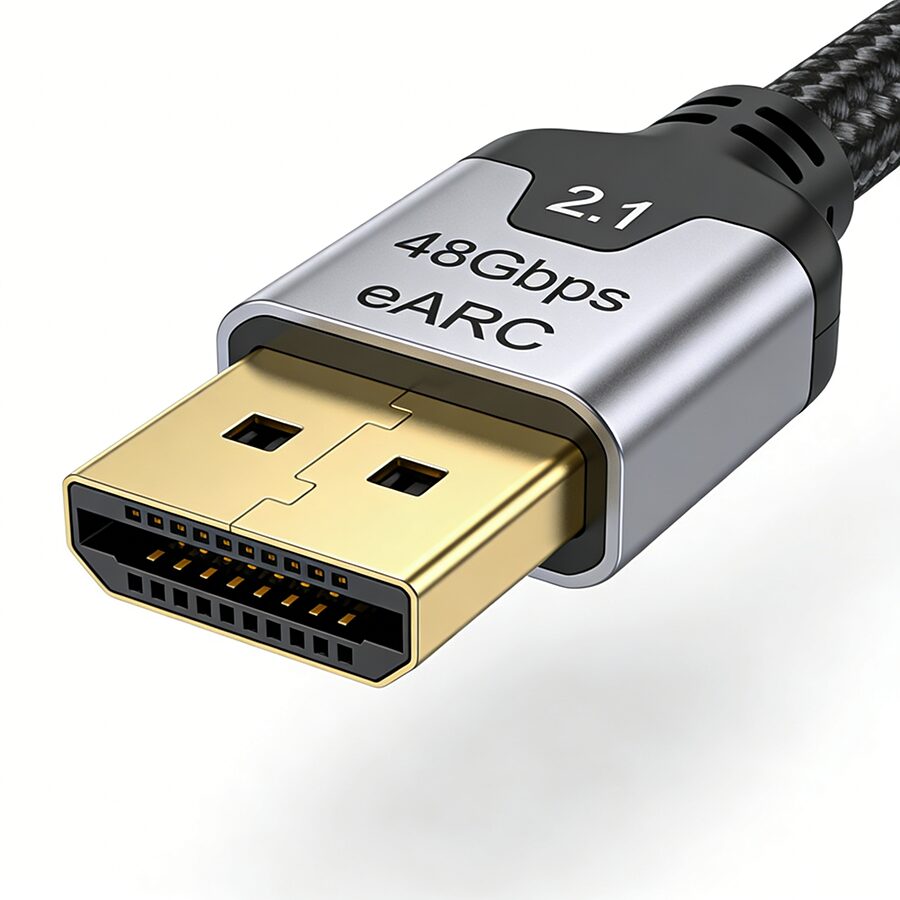
2.1 8K@60Hz, 4K@120Hz, 10K@120Hz 48Gbps Ultra High Speed certification, HDR10+/Dolby Vision, eARC, VRR (for gaming), ALLM


2. Certification is Non-Negotiable

Skip uncertified “4K/8K” cables from unknown brands—they often fail to deliver on promises. Look for these logos:

3. Length & Cable Type

Longer cables cause signal degradation. Choose based on your setup:
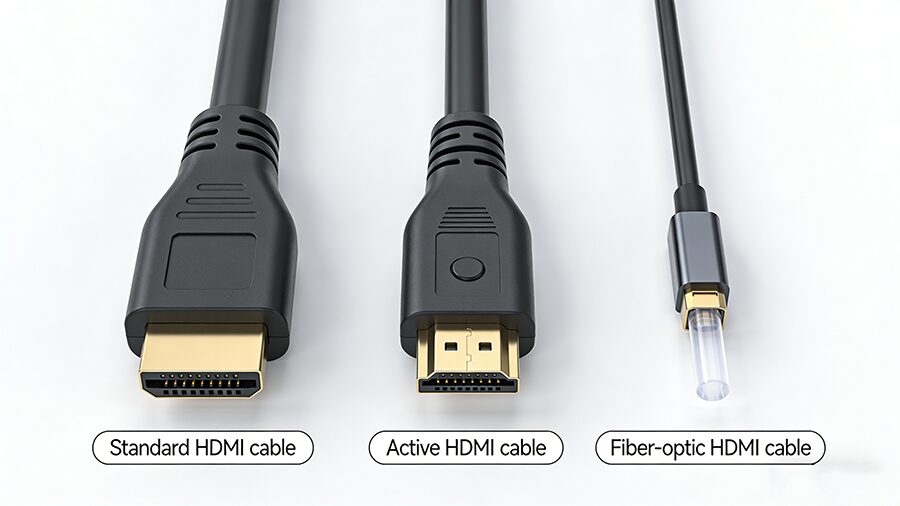
  • <5ft: Standard passive cables work for all versions
  • 5-10ft: Opt for certified active HDMI 2.1 cables to boost signal
  • >10ft: Go for fiber-optic HDMI cables (no signal loss, perfect for home theater setups with distant devices)


Scenario-Based Buying Guide

Match your cable to how you use your TV:
User Scenario Recommended Cable Type
Casual 4K movie streaming Premium HDMI 2.0 Cable
4K gaming (PS5/Xbox Series X) Ultra High Speed HDMI 2.1 Cable (supports VRR/ALLM)
8K TV/device owner Ultra High Speed HDMI 2.1 Cable
Home theater with Dolby Atmos Ultra High Speed HDMI 2.1 (for eARC audio)
Long-distance setup (>10ft) Fiber-Optic Ultra High Speed HDMI 2.1


Pro Tips to Avoid Mistakes

  1. Don’t overbuy: If you don’t have an 8K TV, a Premium HDMI 2.0 is enough for 4K@60Hz HDR.
  2. Check device ports: Your cable only performs as well as the lowest-spec port (e.g., a 4K TV with HDMI 2.0 ports won’t use an HDMI 2.1 cable’s full potential).
  3. Avoid no-name cables: $5 uncertified cables often lead to frustrating signal drops.

Wrap Up: With the right HDMI cable, you’ll finally get the crisp, immersive 4K/8K experience your TV was built for. Focus on certified cables that match your device specs and usage habits—no need to overcomplicate it! 🎥✨
VERBUNDENE POSTEN

KOSTENLOSES ANGEBOT ANFORDERN

Kontaktieren Sie uns, um den neuesten Produktkatalog zu erhalten