Charger vs Cable: Which Limits Fast Charging Speed?
Release Date:03/12/2026
Inhaltsübersicht
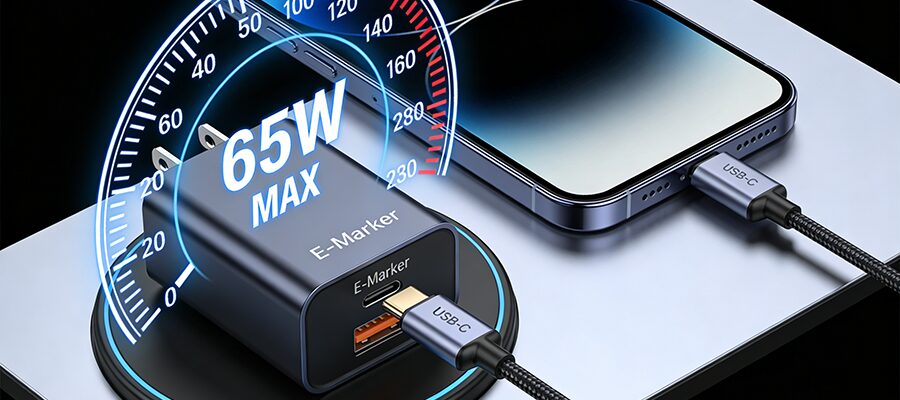
We’ve all been there: you splurge on a 65W fast charging setup, only to find your phone charges 50% in an hour instead of 15 minutes. The first question that pops up? Is my charger the problem, or is it the cable?
Below we cut through the tech jargon to settle the charger vs cable debate, plus give you a cheat sheet to diagnose your slow charge in 2 minutes.
First: What Each Component Actually Does
Fast charging speed is capped by the weakest link of three parts: your device, charger, and cable. Here’s what each contributes:
The Charger: Your Power Source
The charger (also called a power adapter) sets the maximum possible power output for your setup. It also needs to match your device’s fast charging protocol (e.g. USB-C PD, Xiaomi HyperCharge, Samsung Super Fast Charging) to trigger full speed.
Example: If your iPhone 15 supports 27W charging, pairing it with an old 5W Apple adapter means you’ll never go faster than 5W, even with a $40 premium cable.
The Cable: The Power Pipeline
The cable is the pipe that carries power from the charger to your device. Its maximum current/power capacity determines how much power it can safely pass through:
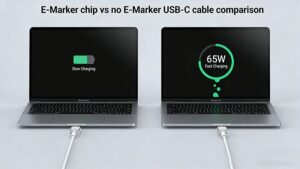
Non-E-Marker USB-C cables cap out at 60W
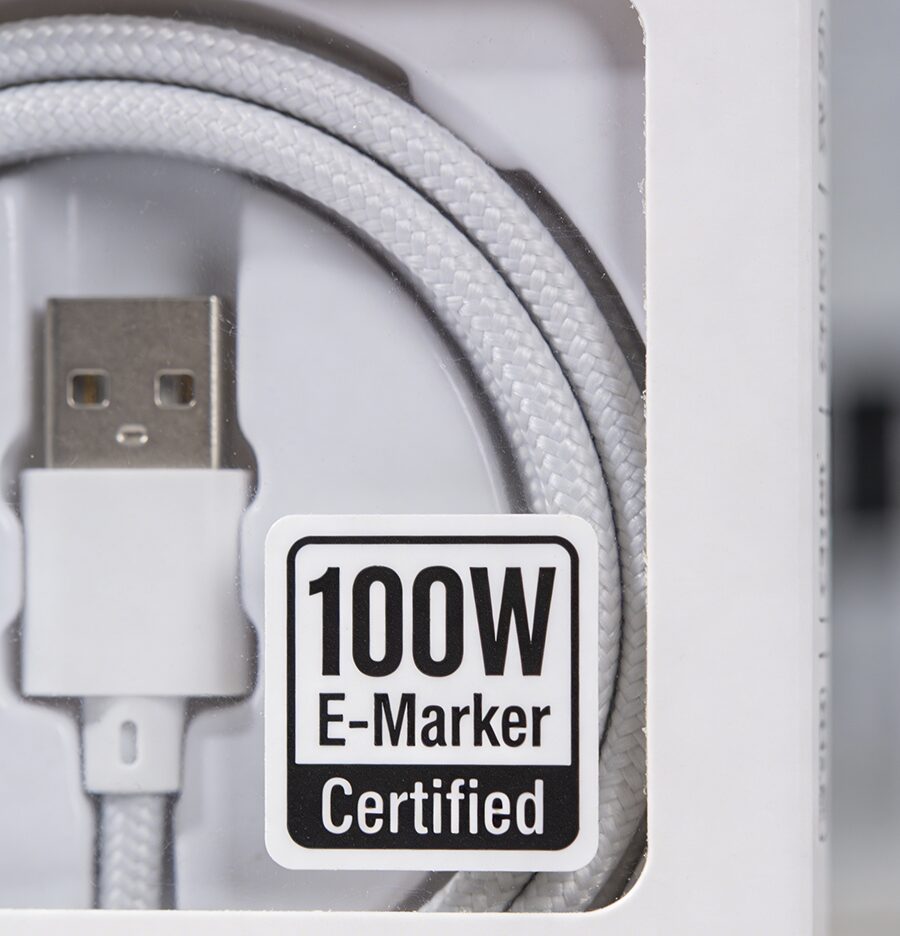
E-Marker certified USB-C cables support up to 240W
MFi-certified Lightning cables are required for Apple fast charging (non-certified cables often trigger speed limits or pop-up warnings)
Example: A 65W charger paired with a cheap 2A old USB cable will only deliver 10W max, even if your phone supports 65W.
Quick Reference Table: Which Is the Bottleneck?
Use this cheat sheet to instantly spot the limit for your setup:
Charger Output
Cable Capacity
Device Supported Power
Bottleneck
65W PD
100W E-Marker
27W (iPhone 15)
Gerät
65W OPPO VOOC
20W Standard USB-C
65W OPPO Find X6
Kabel
20W Old Apple USB-C
100W E-Marker
45W Samsung S24 Ultra
Charger
120W Xiaomi HyperCharge
120W Certified
67W Xiaomi 13
Gerät
3-Step Quick Test to Find Your Limiter
No technical knowledge needed:
Look up your device’s official max fast charging power (this is your hard upper limit)
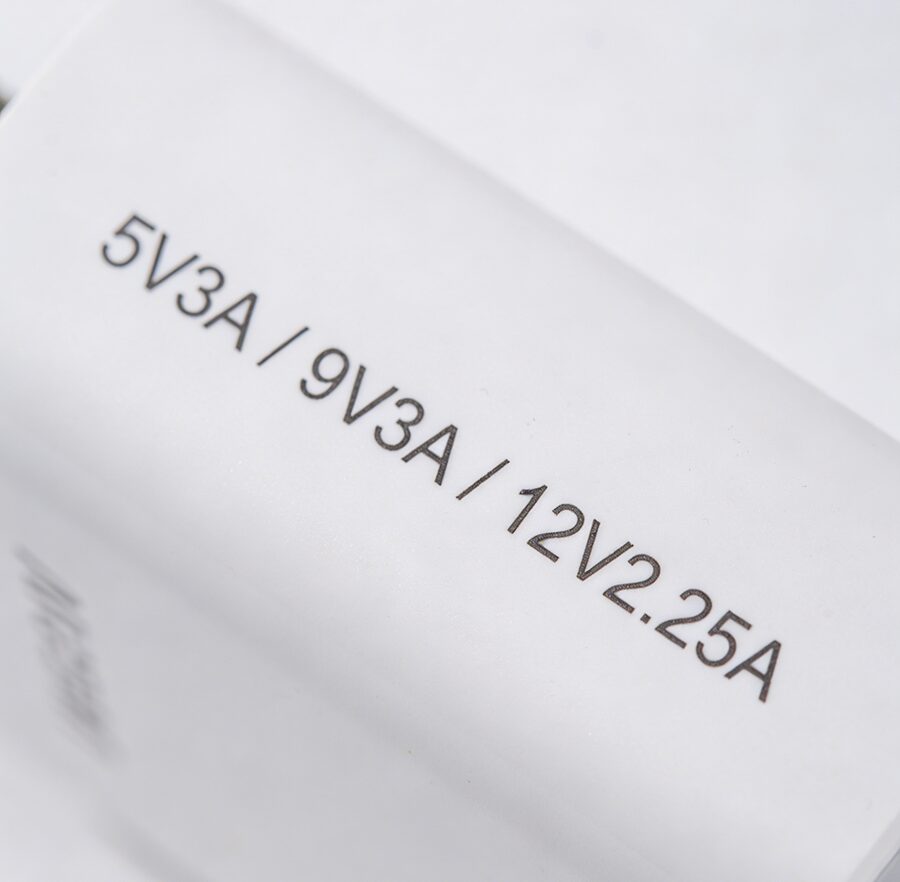
Check the fine print on your charger to find its maximum output (multiply voltage x amperage to get wattage, e.g. 9V x 3A = 27W)
Swap in a cable you know supports high power (e.g. your original device cable). If charging speeds up, your old cable was the limit; if not, your charger is the issue.
Common Fast Charging Myths to Ignore
❌ Myth: More expensive cables charge faster ✅ Fact: A $10 compliant 100W cable will charge just as fast as a $40 branded one, as long as it meets your power needs. Premium pricing only adds durability, not speed.
❌ Myth: All USB-C cables support fast charging ✅ Fact: Cheap old USB-C cables may only support 2A current, capping power at 10W, even if paired with a 100W charger.
FAQ
Q: Can a faulty cable slow down charging?
A: Absolutely. Damaged internal wires, missing E-Marker chips, or non-certified cables can restrict current flow, cut speeds by 50% or more, and even pose overheating risks.
Q: Do I need to buy original chargers and cables for fast charging?
A: Not necessarily. Third-party options that are certified (USB-IF for USB-C, MFi for Lightning) and match your device’s power and protocol requirements will work just as well as official ones.