Ever tried plugging a standard HDMI cable into your car’s headrest screen, only to knock it loose every time someone climbs in the back? Or stuffed a 2m long HDMI into your Switch bag, just to find it tangled with your charger and headphones when you want to game on a portable monitor?
If you use HDMI-enabled devices on the go or in your car, generic straight, long cables are more trouble than they’re worth. Short and right-angle HDMI cables are built specifically for these tight, high-mobility use cases — but picking the wrong one will still leave you with broken ports or laggy output. Below we break down everything you need to know.
These specialized HDMI cables are a no-brainer if you fall into any of these use cases:
✅ Car owners with rear entertainment screens, or who mount gaming devices on headrests for road trips
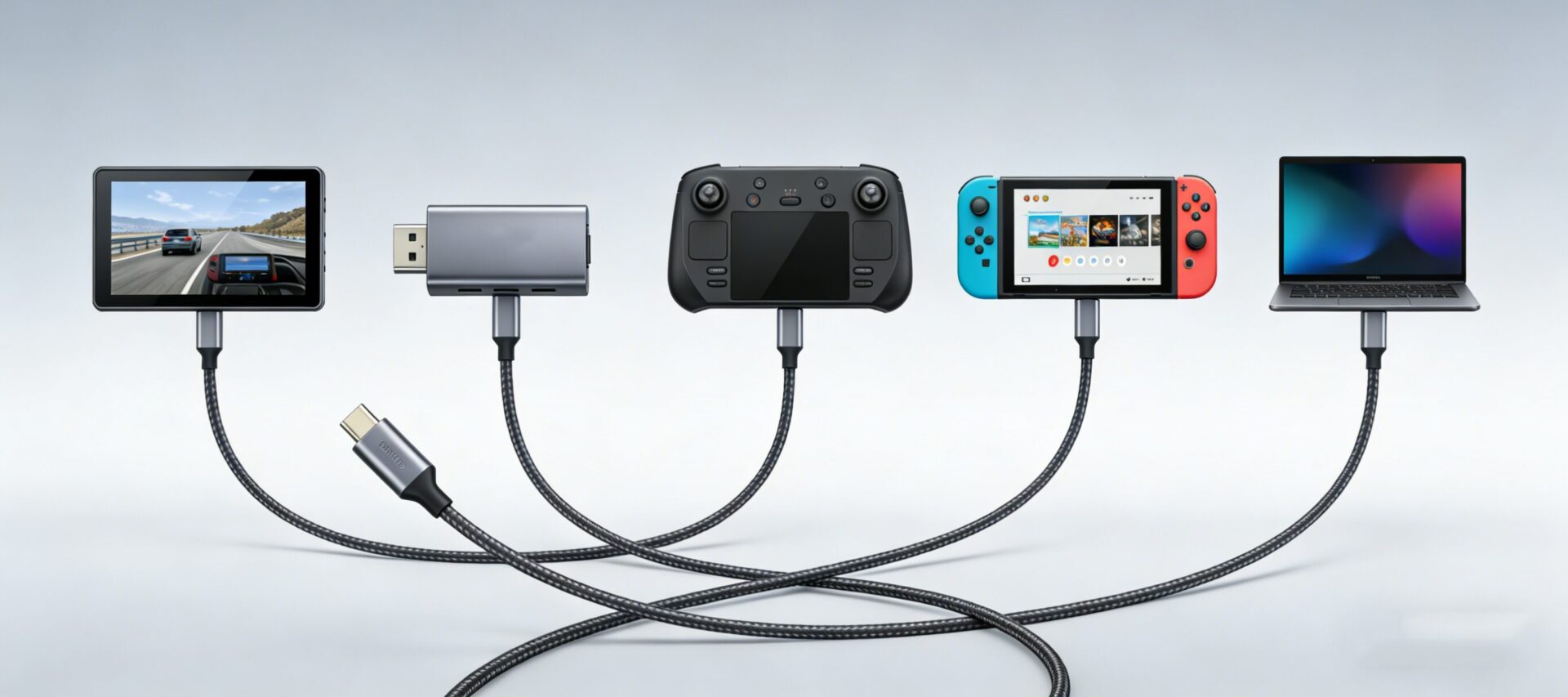
✅ Portable gaming users (Steam Deck OLED, Switch OLED, PS Portal) who connect to portable monitors on the go
✅ Content creators using on-camera field monitors, or travelers who bring a portable Apple TV 4K for hotel stays
✅ Anyone with tight desk setups (mini PCs, small form-factor builds) where straight HDMI cables stick out too far
Long cables cause tangles, take up extra space in your bag, and even create minor signal degradation for high-resolution output. Stick to this rule of thumb:
- 0.3m: Best for direct device-to-monitor connections (e.g. Steam Deck plugged into a portable monitor mounted to its case)
- 0.5m: Most popular for car use: Fits perfectly between a headrest screen and mounted gaming device, no extra slack to get snagged
- 1m: Best if you need extra flexibility (e.g. connecting a portable projector to a car’s media port from the center console)
This is the #1 mistake buyers make: picking a right-angle cable that points the wrong direction, leaving it sticking out or putting strain on your device’s port.
- Downward/backward angle: For car headrest screen ports (cable tucks behind the screen, no risk of being kicked loose)
- Upward angle: For Steam Deck/Switch top ports (cable runs away from your hands, no interference while gaming)
- Left/right angle: For side ports on portable monitors and on-camera field monitors (sits flush with the device frame)
There’s no need to overpay for a higher spec than you need, but underbuying will leave you with blurry or laggy video. Use this quick reference table to pick the right version:
Pro tip: All HDMI versions are backwards compatible, so an HDMI 2.1 cable will work perfectly with older HDMI 2.0 devices.
Car and portable use means your cable will get pulled, stuffed into bags, and stepped on occasionally. Skip flimsy options:
✅ Pick braided nylon cable bodies (3x more tear-resistant than cheap PVC)
✅ Look for reinforced strain relief at the connector base (prevents fraying after hundreds of plug/unplug cycles)
✅ Opt for gold-plated connectors (resists oxidation, avoids static or signal dropouts after months of use)
If you don’t want to compare dozens of options, these picks work for 90% of users:
- Best for Cars: 0.5m Downward Right-Angle HDMI 2.0 Cable → Fits 99% of rear entertainment setups, no loose slack
- Best for Portable Gaming: 0.3m Upward Right-Angle HDMI 2.1 Cable → Supports 4K 120Hz output for Steam Deck/PS Portal, no hand interference
- Best Budget Pick: 1m Straight Short HDMI 2.0 Cable → Perfect for casual travel use, works with all basic devices
A: You can do it, but it will easily tangle, block your car’s storage compartments, and is far more likely to snag and break your device’s port. Short/right-angle cables are purpose-built to avoid these issues.
A: No! For cables under 3m, signal loss is negligible for all standard HDMI versions. Short cables actually deliver more stable output than long, tangled alternatives, as they have less interference.